In today’s fast-paced business world, a Point of Sale (POS) system is essential for any business, whether it’s retail, hospitality, or services. While POS systems streamline transactions, manage inventory, and provide valuable customer insights, many business owners often find themselves asking: why is POS so expensive? In this comprehensive guide, we’ll explore the factors that contribute to the high costs of POS systems and provide insight into how these systems add value to your business in the long run.
What is a POS System?
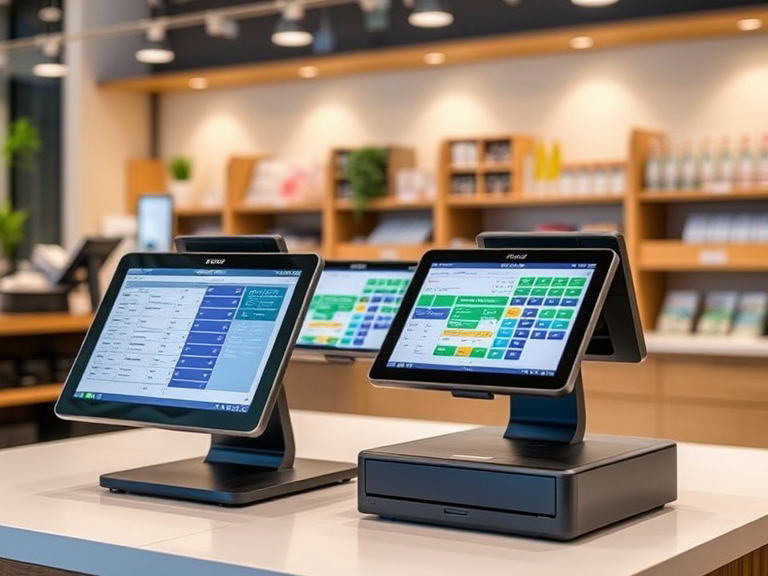
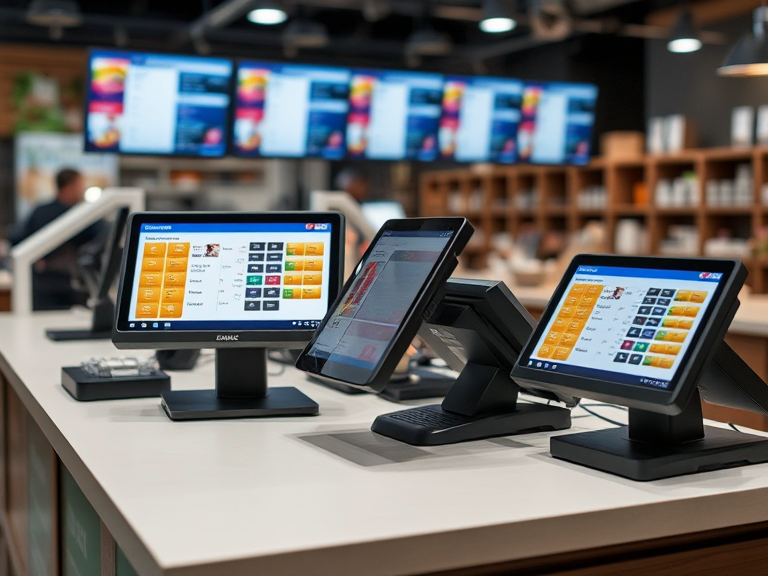
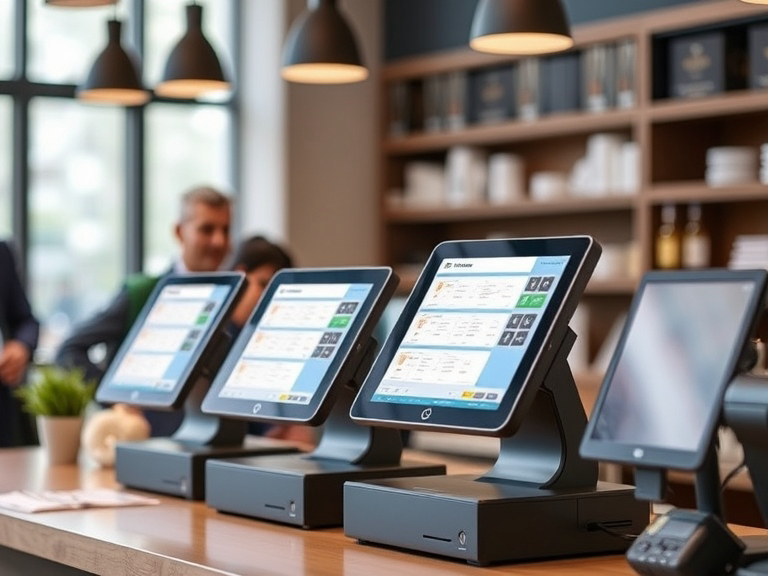
A POS system is a combination of hardware and software used by businesses to process transactions. The hardware typically includes terminals, cash registers, barcode scanners, receipt printers, and card readers, while the software enables business management through sales tracking, inventory management, and customer relationship management (CRM). POS systems are vital for businesses of all sizes, allowing them to run operations smoothly and efficiently.
However, the price tag attached to these systems often raises concerns. Understanding the factors that drive the costs of POS systems can help business owners make more informed decisions when selecting a system.
Key Factors Driving the Cost of POS Systems
Several key factors contribute to why POS systems are so expensive. These factors include the initial hardware and software investment, ongoing maintenance, customization, and integration costs. Let’s dive deeper into each one.
1. Hardware Costs: High-Quality Equipment for Long-Term Durability
The hardware components of a POS system are one of the largest expenses. High-quality equipment is necessary for ensuring your system runs efficiently and lasts over time. Typical POS hardware includes:
- POS Terminals: These are the main workstations where transactions are processed. The cost can vary based on the quality, screen size, and features such as touchscreen functionality.
- Receipt Printers: Printing receipts is an essential function of any POS system. High-end printers with faster processing and better durability come at a higher price.
- Barcode Scanners: Scanners allow businesses to track inventory accurately and speed up the checkout process.
- Card Readers: As more consumers use credit and debit cards for payments, card readers must be secure, capable of handling various types of cards (e.g., chip, swipe, contactless), and compliant with PCI-DSS standards.
The cost of these individual components can add up quickly. Businesses can choose to go for high-end equipment that offers durability, speed, and enhanced functionality or opt for budget models that might sacrifice reliability and longevity.
2. Software and Licensing Fees: The Backbone of Your POS System
POS software is another key component that contributes to the overall cost of a POS system. Unlike the one-time hardware purchase, POS software often comes with licensing fees, and subscription-based pricing models are common. The cost of software can vary widely depending on its capabilities, such as:
- Transaction Processing: A basic POS system handles transactions, but more advanced systems can manage complex transactions like refunds, partial payments, and taxes.
- Inventory Management: Software that tracks inventory, updates stock levels in real-time, and generates reports adds significant value to businesses, particularly in retail.
- Customer Relationship Management (CRM): POS systems with CRM capabilities allow businesses to collect customer data, run loyalty programs, and track buying behavior, which can significantly enhance customer retention.
Many POS systems also require periodic software updates, which could come with additional fees. Whether it’s cloud-based or on-premise, businesses often need to budget for ongoing software costs, including maintenance and upgrades.
3. Integration with Other Business Systems: Seamless Operations at a Cost
One of the reasons POS systems are expensive is the cost associated with integrating them into other business systems. Most businesses require their POS system to work in conjunction with inventory management software, accounting software, and CRM platforms. The integration of these systems allows businesses to centralize operations and gain better insights into sales, inventory, and customer data. However, these integrations come at a price.
The cost of POS system integration includes not only the technical expertise required to link the systems but also the potential licensing fees for third-party software. For example, a POS system that integrates seamlessly with a third-party accounting solution or an e-commerce platform can significantly increase the system’s overall cost.
4. Security Features and Compliance: Protecting Customer Data
Security is a top priority for any business handling sensitive customer data. POS systems need to meet PCI compliance standards, which require the implementation of robust security features to protect against data breaches and fraud.
To ensure that customer payment data is secure, POS systems must include end-to-end encryption, tokenization, and other advanced security measures. These security features often increase the cost of POS systems, as they require regular updates and certifications to meet changing compliance requirements.
5. Customization and Scalability: Tailored Solutions for Your Business Needs
POS systems that are tailored to meet the specific needs of your business are typically more expensive. Customization allows businesses to modify the POS system to include features such as:
- Menu Management for Restaurants: Customizing a POS system for a restaurant involves adding features like table management, menu modifications, and integration with kitchen display systems.
- Retail POS Features: A retail POS system might include advanced inventory management, barcode scanning, and integration with multiple sales channels (in-store and online).
- Multi-location Setup: Businesses with multiple locations need POS systems that can operate across several stores and provide centralized data management.
The ability to scale a POS system as your business grows is another cost factor. For instance, a small business might start with a basic setup, but as the business expands, the POS system needs to scale with it. Multi-location support, additional registers, and advanced analytics all contribute to higher costs.
6. Customer Support and Maintenance Costs: Long-Term Investment
POS systems require ongoing support to ensure they continue to operate smoothly. Many providers charge annual support contracts or offer maintenance plans that cover everything from software updates to hardware repairs.
- Technical Support: Having access to reliable POS technical support can be invaluable, especially if your system experiences issues during peak business hours. Support can be provided on-site, via phone, or remotely, with different pricing tiers depending on the response time and level of service.
- System Updates and Repairs: Regular POS system maintenance is required to keep both hardware and software functioning efficiently. Repairs to hardware components, such as printers or scanners, can be costly, and regular software updates are necessary to address security vulnerabilities and improve system performance.
7. Installation and Setup Fees: Getting Everything Up and Running
The initial installation of a POS system can come with substantial setup costs. These fees may include:
- System Configuration: Tailoring the POS system to your business processes, such as configuring sales tax rates, payment types, and employee roles.
- Hardware Installation: Installing physical components like terminals, printers, and cash drawers, along with ensuring they are integrated with the software.
- Training: Many POS providers offer staff training to ensure employees know how to operate the system effectively. While training is an essential investment, it adds to the upfront cost of the system.
8. High-Quality Hardware vs. Budget Solutions
When purchasing a POS system, businesses are often faced with the decision between opting for a premium system or a budget solution. While budget solutions may seem appealing due to their lower initial cost, they come with trade-offs.
- Premium POS Systems: These offer greater reliability, faster processing speeds, enhanced security features, and durability. They are often more expensive but provide a higher return on investment over the long term.
- Cheap POS Systems: Budget systems may lack the necessary features, security protocols, and durability needed for daily use. While they are affordable initially, they can lead to increased costs down the line due to repairs and upgrades.
How to Reduce POS System Costs Without Sacrificing Quality
While POS systems can be expensive, there are ways to reduce costs without compromising on quality:
1. Choose the Right POS Provider
Shop around and compare POS providers to ensure you get the best value for your money. Consider factors like pricing, features, customer reviews, and the level of support offered.
2. Consider Cloud-Based POS Solutions
Cloud-based POS systems tend to have lower upfront costs compared to traditional, on-premise systems. With cloud solutions, businesses only pay for what they need and avoid the high initial costs associated with purchasing and maintaining hardware.
3. Leasing or Financing Options
Some businesses opt to lease or finance their POS systems to reduce upfront costs. This can help spread the expense over time while still allowing you to get the hardware and software you need.
Conclusion
POS systems are crucial tools for modern businesses, but they come at a high cost due to hardware, software, security features, integration, and maintenance. Understanding why POS systems are expensive can help you make more informed decisions about the system that’s best suited for your business.
While the initial costs may seem high, investing in a reliable POS system will save you money in the long run through increased efficiency, reduced downtime, and better customer satisfaction. To make the most of your investment, choose a POS system that meets your business’s unique needs, whether that’s a retail POS system, a restaurant POS system, or a solution for any other industry. By weighing the costs and benefits carefully, you can ensure that your POS system provides long-term value and supports your business growth.
FAQs
Why are POS systems so expensive?
POS systems are costly due to the high-quality hardware, advanced software, integration with other business systems, security features, and ongoing support and maintenance.
What factors affect the cost of a POS system?
The cost is influenced by hardware components, software licensing, customization, scalability, security features, and the level of customer support and maintenance required.
Are there cheaper alternatives to expensive POS systems?
Yes, budget POS systems are available, but they may lack advanced features, security, and durability. Cloud-based POS solutions are also a cost-effective option for many businesses.
How can I reduce the cost of a POS system?
You can reduce costs by considering cloud-based POS systems, leasing options, or choosing a provider that offers flexible pricing plans suited to your business needs.
Is a high-cost POS system worth the investment?
Yes, a higher-priced POS system often provides better reliability, enhanced security, better customer support, and scalability, leading to long-term savings and efficiency improvements.