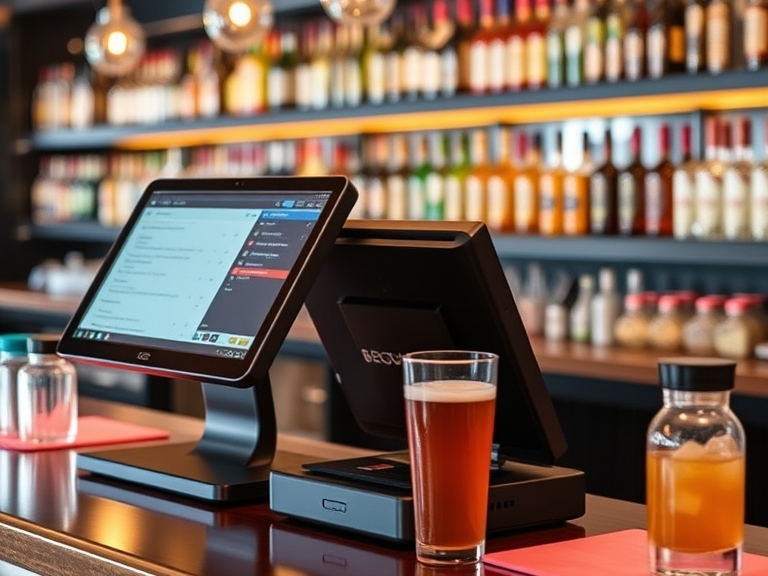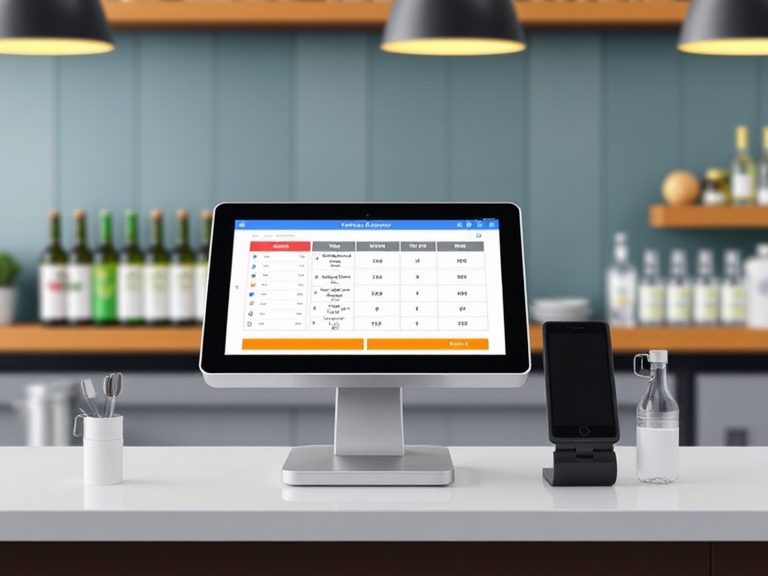
When running a bar, the POS system you choose plays a crucial role in your daily operations, from taking orders to managing inventory and tracking sales. However, one of the first questions many bar owners ask is: How much does a POS system cost for a bar?
The cost of a POS system can vary widely based on several factors, including your bar’s size, the features you need, the type of hardware you choose, and the software subscription model. This detailed guide will break down the different components that determine the cost of a bar POS system and give you a clearer understanding of how to choose the right system that fits your needs and budget.
Key Factors That Affect POS System Pricing for a Bar
The overall price of a POS system for a bar can range from a few hundred dollars to several thousand. The price depends on various factors, including the features and hardware required for your bar.
1 Hardware Costs: The Backbone of Your POS System
The hardware you choose for your POS system is essential for handling customer orders, processing payments, and managing transactions. Here’s a breakdown of what to expect in terms of hardware costs:
- POS Terminals: The terminal is the core component of your system. It’s typically a touchscreen monitor or tablet where orders are entered and processed. Basic terminals start at around $500, but higher-end systems with more advanced capabilities can cost $1,000 to $2,000 each.
- Mobile Devices: Mobile POS devices, such as tablets or smartphones, are increasingly popular in bar settings, as they allow servers and bartenders to take orders directly at the table. These devices typically cost between $300 and $1,500 each.
- Receipt Printers and Cash Drawers: Essential for completing transactions, receipt printers range from $100 to $500, while cash drawers are typically priced between $150 and $300.
- Card Readers and Payment Terminals: For accepting secure payments via credit cards, mobile wallets, and other digital payment methods, expect to pay between $100 and $500 for an EMV-compliant card reader.
2 Software Costs: What Features Do You Need?
The software that powers your POS system is what provides the functionality you need, from tracking sales and managing inventory to handling payroll and reporting. The cost of software can vary depending on the subscription model and the features you require.
- Subscription-Based Software: Most modern POS systems for bars operate on a subscription basis. Monthly fees generally range from $50 to $300 per month, depending on the features included, such as reporting, analytics, inventory management, and employee scheduling.
- One-Time Software License Fees: Some POS systems charge a one-time fee for the software license, which typically ranges from $1,000 to $5,000. However, keep in mind that additional costs for updates and customer support may apply.
- Add-Ons and Upgrades: Many POS systems offer advanced features as add-ons, such as loyalty programs, advanced reporting, or customer relationship management (CRM) tools. These can cost an additional $100 to $500 per month, depending on the features you choose.
3 Setup and Installation Costs: Professional Assistance
While some POS systems are easy to install and set up on your own, others may require professional installation, especially if they involve complex integrations or multiple terminals.
- Installation Fees: Professional installation services typically cost between $500 and $1,500 depending on the complexity of the setup.
- Training Costs: To ensure your staff is well-versed in using the system, many POS providers offer training services. Training costs can range from $100 to $500 per session, depending on the number of staff and the system’s complexity.
4 Ongoing Costs: Maintenance and Support
After the system is up and running, there are ongoing costs to consider, such as support and software updates.
- Support Fees: Some POS providers include customer support as part of the subscription, but others may charge an additional fee for support services, typically ranging from $50 to $200 per month.
- Maintenance and Upgrades: If you’re using proprietary hardware, you may need to pay for maintenance and repairs. Maintenance fees for POS hardware can range from $100 to $500 per year.
- Transaction Fees: Payment processing fees for credit card transactions usually cost around 2% to 3% per transaction, though some providers offer flat-fee models.
Typical Price Range for POS Systems for Bars
The cost of a POS system for your bar will depend on the system’s features and your bar’s size. Here’s a breakdown of the price ranges you can expect for different types of POS systems.
1 Basic POS Systems (Small Bars and Pubs)
If you run a small bar or pub with simple operations, a basic POS system will likely meet your needs. These systems provide basic features like order taking, payment processing, and minimal inventory tracking.
- Price Range: $1,000 to $2,500
- Features: Basic order management, simple reporting, payment processing, and limited inventory tracking.
These systems are typically sufficient for small-scale operations but lack advanced features for larger or more complex businesses.
2 Mid-Range POS Systems (Medium-Sized Bars)
For bars that require more functionality and have moderate traffic, a mid-range POS system is the best choice. These systems offer advanced features such as detailed reporting, inventory management, and employee tracking.
- Price Range: $2,500 to $5,000
- Features: Advanced inventory management, customizable reporting, employee scheduling, and analytics.
Mid-range systems are suitable for bars with a steady stream of customers that need more insights and control over operations.
3 High-End POS Systems (Large Bars and Multi-Location Chains)
High-end POS systems are ideal for large bars, multi-location businesses, or high-volume bars that need extensive features for managing customer interactions, inventory, and complex financial reporting.
- Price Range: $5,000 to $10,000+
- Features: Customizable reporting, multi-location support, customer loyalty programs, advanced analytics, employee management, and integration with third-party software.
These systems are powerful and flexible, designed to scale with large businesses and provide detailed insights for effective decision-making.
Additional Costs to Consider When Choosing a POS System for a Bar
While the initial investment in hardware and software can be significant, it’s important to consider the ongoing bar POS system cost when budgeting for your bar’s point-of-sale setup.
1 Payment Processing Fees
Every time a customer pays via credit card, the POS system charges a payment processing fee, usually between 2% and 3% of the total transaction amount. For bars with high sales volumes, these fees can add up quickly.
2 Upgrades and Future Expansion
As your bar grows, you may need to upgrade your POS system to accommodate additional terminals, new locations, or more advanced features. Some POS providers offer modular systems, allowing you to add features as your business needs evolve. Keep in mind that these upgrades often come with additional fees.
3 Customization Costs
Some bars may need a more customized POS solution to meet their specific needs (e.g., advanced inventory systems, menu integration, or specialized reporting). Customization costs can range from $500 to $2,000 depending on the level of customization required.
How to Choose the Best POS System for Your Bar
Selecting the right POS system is crucial for the success of your bar. To ensure you’re making the right investment, consider the following steps:
1 Evaluate Your Bar’s Needs
- Size and Type of Bar: A small pub will have different needs compared to a high-volume nightclub or multi-location chain. Understand the scale of your operations and the specific features required (e.g., mobile ordering, multi-terminal support).
- Features and Integrations: Do you need advanced inventory management, employee scheduling, or loyalty programs? Make sure the system you choose can handle all necessary functions without going over budget.
2 Look for Scalability
Your bar will likely grow over time, so choose a POS system that can scale with your business. Ensure that the system allows for easy upgrades, additional terminals, and new features without major disruptions to your operations.
3 Customer Support and Reviews
Look for a POS provider with excellent customer support and positive reviews. A responsive support team is essential in case any issues arise, and reading reviews from other bar owners can give you valuable insights into the system’s reliability and ease of use.
Conclusion
The cost of a POS system for a bar can range from $1,000 to $10,000+ depending on the system’s complexity and the specific features you need. Small bars may find an entry-level system sufficient, while larger establishments with more complex needs should invest in a higher-end POS solution.
Choosing the right POS system for your bar is not only about the initial cost; it’s about finding a system that will improve efficiency, streamline operations, and enhance customer service. With the right solution in place, your bar can thrive, and you’ll be able to focus on providing a great experience for your customers.
FAQs
1. How much does a POS system cost for a bar?
The cost of a POS system for a bar can range from $1,000 to $10,000+, depending on the features, size of the bar, and type of hardware chosen.
2. What factors affect the bar POS system cost?
Key factors include hardware (POS terminals, receipt printers, card readers), software features (inventory management, reporting), installation fees, and ongoing support costs.
3. Are there monthly fees for bar POS systems?
Yes, most POS systems charge monthly subscription fees, typically ranging from $50 to $300 per month for software and support services.
4. Do I need to pay for POS system installation?
Installation costs can range from $500 to $1,500, depending on the complexity of the system and the number of terminals.
5. What are the additional costs after buying a POS system?
Additional costs include payment processing fees (2-3% per transaction), maintenance, software upgrades, and any add-ons like advanced reporting or loyalty programs.