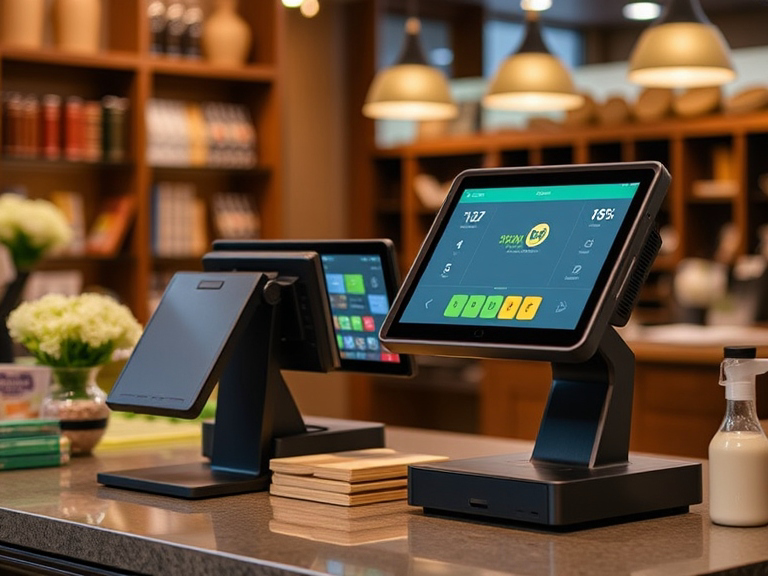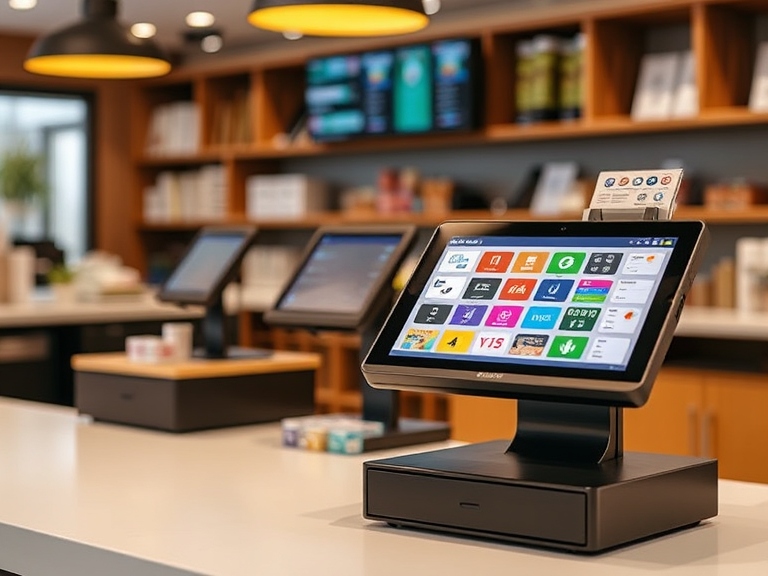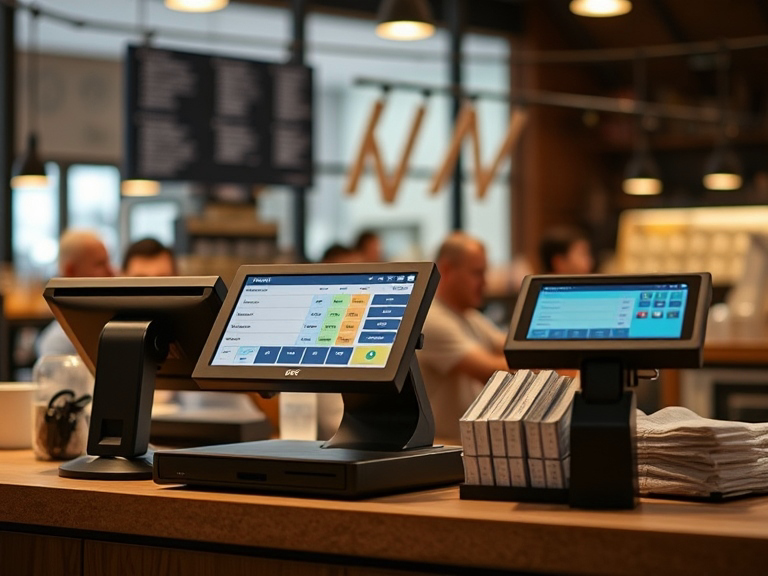
In today’s fast-paced business world, efficiency and customer satisfaction are key. Enter the Touch POS system — a modern solution designed to make your point-of-sale process faster, easier, and more effective. But what exactly are the Touch POS systems, and why is it becoming a must-have for businesses of all sizes?
A Touch POS system (Point of Sale) uses a touchscreen interface to streamline various business functions, from processing transactions to managing inventory. Unlike traditional POS systems that rely on physical buttons or complex setups, a touchscreen system makes operations smoother and more intuitive. Whether you’re running a retail store, restaurant, or mobile business, a touchscreen POS simplifies tasks, saves time, and reduces human error.
In this guide, we’ll dive into the key features, benefits, and considerations you need to understand when choosing the right Touch POS system for your business.
Key Features of a Touch POS System
User-Friendly Touchscreen Interface
The most obvious and transformative feature of a Touch POS system is its touchscreen interface. This user-friendly setup replaces the traditional cash register or keyboard input systems, enabling staff to process sales with just a tap or swipe. Training staff becomes faster and more efficient, reducing mistakes and the time it takes to familiarize employees with the system.
Additionally, many touchscreen POS systems are customizable, allowing you to organize the layout in a way that best suits your business’s needs. You can quickly access key features like sales reports, inventory updates, and customer data — all with a few taps.
Versatile Payment Options
Another reason businesses are adopting Touch POS systems is the flexibility they offer in payment processing. From traditional credit/debit cards to mobile payments via platforms like Apple Pay and Google Pay, a touchscreen POS system supports a wide variety of payment methods.
This flexibility ensures your business can cater to a wide range of customers, enhancing customer satisfaction by offering multiple payment options. Whether you’re in a restaurant, retail store, or at a pop-up event, the system can adapt to different transaction environments.
Inventory Management Made Easy
Managing stock can be a headache, but Touch POS systems simplify the process significantly. Real-time inventory tracking is one of the most valuable features of these systems. Each sale automatically updates the inventory, giving you an accurate picture of stock levels without having to manually count items.
This feature not only saves time but also reduces the likelihood of errors such as overstocking or stockouts, which can impact sales and customer satisfaction. Additionally, with touch POS systems, you can easily track product performance, identify popular items, and reorder stock in a timely manner.
Comprehensive Reporting and Analytics
Data-driven decision-making is crucial for business growth. Touch POS systems typically come with built-in reporting and analytics tools that give you a deep dive into your business’s performance. You can access detailed sales reports, track employee productivity, and analyze customer behavior.
These analytics features help businesses make informed decisions about promotions, product placement, and even employee scheduling. The ability to access reports from anywhere (especially with cloud-based systems) allows business owners to stay on top of their operations, even while on the go.
Benefits of Using a Touch POS System
Boost Operational Efficiency
One of the primary reasons businesses switch to Touch POS systems is their ability to streamline daily operations. From processing sales quickly to managing orders and inventory in real-time, a touch POS system reduces friction in every aspect of business management. The intuitive interface allows employees to speed up the checkout process, leading to shorter wait times for customers and improved service efficiency.
Moreover, many touchscreen systems can be integrated with other software like accounting tools, CRM systems, and e-commerce platforms, creating a seamless operation across all your business channels.
Improved Customer Experience
A Touch POS system enhances the customer experience in several ways. First, it speeds up transactions, leading to shorter lines and happier customers. It also helps businesses offer personalized services by storing customer information and tracking their purchase history.
For example, with customer loyalty programs integrated into the POS system, you can easily track repeat customers and offer them targeted discounts or promotions. This type of personalized service fosters loyalty and can significantly increase repeat business.
Accuracy and Error Reduction
When running a business, human error can be costly. Traditional POS systems with physical buttons or manual processes often result in mistakes such as incorrect price entries or inaccurate inventory tracking. Touch POS systems minimize these errors by automating processes and using more accurate methods for product entry and transaction processing.
For instance, barcode scanning integrates with the POS system, reducing the need for manual entry. The system automatically checks for price discrepancies, ensuring accuracy every time.
Scalability and Flexibility
Another great advantage of Touch POS systems is their scalability. Whether you have a single location or multiple stores, many POS systems allow for easy expansion. You can add terminals, locations, or integrate with new software tools as your business grows, without the need for complex hardware upgrades.
For multi-location businesses, this is especially valuable because it allows you to manage everything from a centralized dashboard and maintain consistency across all sites.
Choosing the Right Touch POS System for Your Business
Consider Your Business Type
Different types of businesses have unique needs. Retail businesses may need features like barcode scanning, inventory management, and customer loyalty programs, while restaurants might prioritize order tracking, menu management, and table management. Be sure to choose a touch POS system that aligns with your specific business requirements.
Budget and Pricing
While Touch POS systems offer a variety of advanced features, it’s important to choose a system that fits within your budget. Costs can vary depending on the size of the system, hardware required, and ongoing subscription fees.
Look at the total cost of ownership, including hardware (touchscreen monitors, receipt printers, card readers) and any monthly or annual fees associated with software or cloud storage.
Ease of Integration
A Touch POS system should easily integrate with the other tools and software your business uses. For example, if you’re running an online store, you’ll want a POS system that integrates with your e-commerce platform. Likewise, if you use accounting software, look for a system that can sync sales data seamlessly.
Customer Support and Training
The best Touch POS systems come with robust customer support options and training resources. Ideally, the company should provide 24/7 support to help resolve any issues quickly. Additionally, many systems come with video tutorials and online manuals to help your staff get up to speed.
Top Touch POS Systems in 2025
Square POS
A highly popular choice for small businesses, Square POS offers a straightforward, easy-to-use touchscreen interface, perfect for retail stores and cafes. Square’s cloud-based system allows business owners to manage sales, inventory, and customer data from anywhere, making it a top contender for growing businesses.
Clover POS
Known for its customizability, Clover POS offers various hardware options to suit different business models. From retail to restaurants, Clover can handle it all. It’s highly flexible and integrates with many third-party applications, making it a solid choice for businesses that require specific functionalities.
Toast POS
Designed specifically for restaurants, Toast POS excels in handling orders, managing menus, and integrating with kitchen displays. Its touchscreen interface is designed to streamline restaurant operations, making it an excellent choice for cafes, bars, and fine dining.
Conclusion
Whether you’re running a retail shop, a restaurant, or a mobile service business, a Touch POS system can offer immense value by improving efficiency, accuracy, and customer satisfaction. The ease of use, combined with powerful features like inventory tracking, payment processing, and real-time analytics, makes a touchscreen POS an essential tool for businesses looking to stay ahead in a competitive market.
Choosing the right system comes down to understanding your specific needs, budget, and long-term goals. With the right Touch POS system, your business will not only streamline operations but also improve the customer experience and position itself for future growth.
FAQs
1. What is a Touch POS System?
A Touch POS system is a point-of-sale solution that uses a touchscreen interface to manage sales, inventory, and customer data, making business operations faster and more efficient.
2. What are the benefits of using a Touch POS system?
Touch POS systems streamline business processes, improve transaction speed, reduce errors, and provide real-time inventory management, boosting overall efficiency and customer experience.
3. Can a Touch POS system handle multiple payment methods?
Yes, Touch POS systems support various payment methods, including credit/debit cards, mobile payments (Apple Pay, Google Pay), and contactless transactions, offering flexibility for customers.
4. Are Touch POS systems easy to integrate with other software?
Most Touch POS systems can seamlessly integrate with other business tools like accounting software, e-commerce platforms, and customer management systems, helping centralize operations.
5. How much does a Touch POS system cost?
The cost of a Touch POS system varies depending on the hardware, software features, and subscription fees. Small businesses can expect to pay between $50 to $200 per month, with additional costs for hardware.