In today’s fast-paced business environment, having a reliable and efficient Point of Sale (POS) system is essential for the success of any business. Whether you run a retail store, a restaurant, or an online shop, a POS system simplifies payment processing, improves inventory management, and enhances the customer experience. But how do you get a POS system for your business? This guide will walk you through everything you need to know—from understanding POS systems to choosing the right one and setting it up for your business.
What is a POS System and Why Does Your Business Need One?
Understanding POS Systems
A Point of Sale (POS) system is the hardware and software used to process transactions in retail environments, restaurants, and service businesses. It involves the transaction when a customer makes a purchase, and the system records it for inventory management, sales reporting, and customer data analysis.
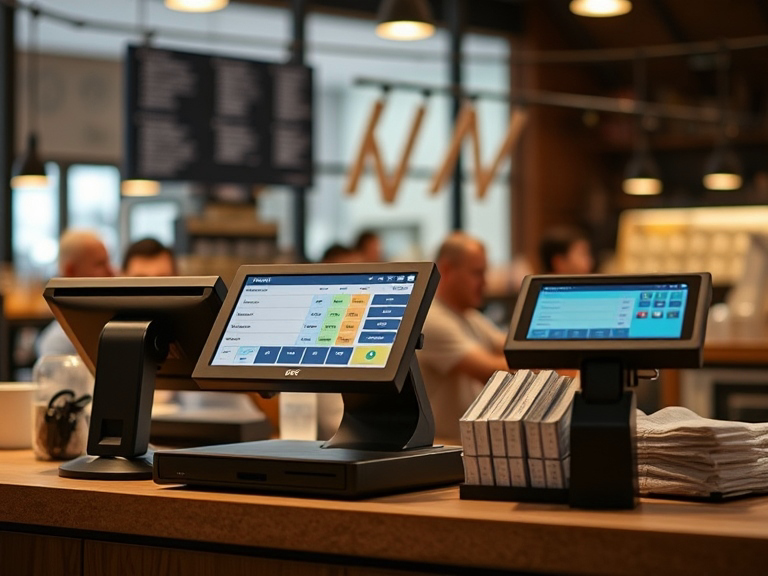
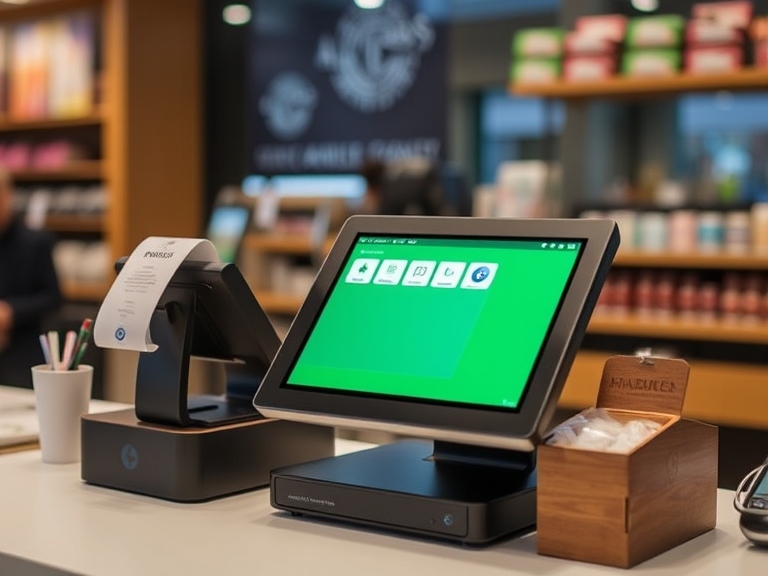
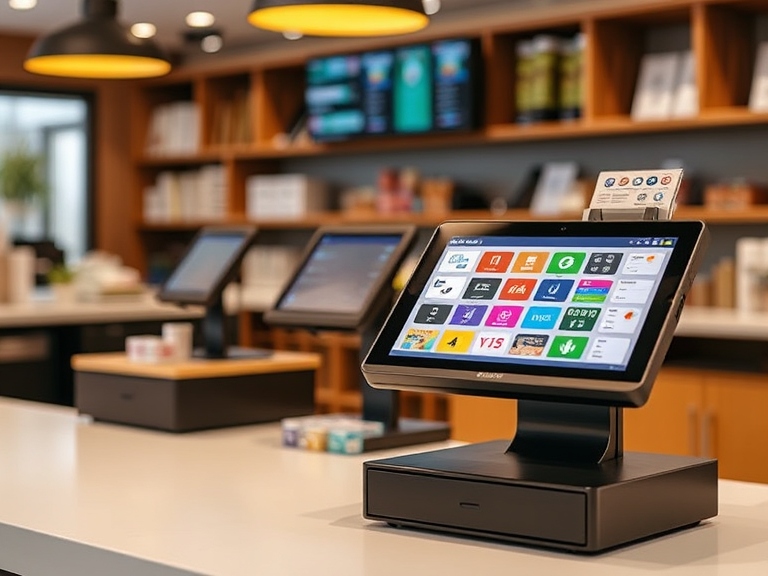
POS systems typically consist of a cash register, a receipt printer, a barcode scanner, and a payment terminal for processing credit card and debit card payments. Some modern systems also include mobile apps and cloud-based solutions.
Why Does Your Business Need a POS?
Having a POS system provides several benefits:
- Efficient Payment Processing: Streamlines customer transactions and reduces wait times.
- Accurate Inventory Management: Tracks stock levels in real-time, reducing the risk of overstocking or running out of items.
- Comprehensive Sales Reporting: Offers insights into sales trends, helping business owners make informed decisions.
- Customer Relationship Management (CRM): Some POS systems allow businesses to collect customer data for loyalty programs and personalized marketing.
By choosing the right POS system for your business, you can enhance operational efficiency, improve customer satisfaction, and ultimately grow your business.
Different Types of POS Systems: Which One Is Right for Your Business?
There are various types of POS systems available, and selecting the right one depends on your business type, size, and specific needs. Let’s take a look at the different options.
1. Retail POS Systems
A retail POS system is designed specifically for businesses that sell physical goods. It typically includes features like barcode scanning, inventory management, and receipt printing. Retail POS systems are ideal for:
- Retail stores (e.g., clothing shops, grocery stores)
- E-commerce stores that also have physical locations
2. Restaurant POS Systems
Restaurant POS systems are tailored to the unique needs of the foodservice industry. Features may include table management, split checks, menu customization, and kitchen order printing. They help streamline operations by tracking orders and managing customer service in real time. These systems are best suited for:
- Restaurants
- Cafes and bars
- Food trucks
3. Mobile POS Systems
A mobile POS system is perfect for businesses that require flexibility and mobility. These systems often use tablets or smartphones, allowing staff to process transactions on the go. For example, waiters can take orders directly at the table and process payments without returning to the counter. Ideal for:
- Pop-up shops
- Mobile businesses
- Farmers markets
- Small stores
4. Online POS Systems
For eCommerce businesses, an online POS system integrates directly with your website, enabling you to manage inventory, process online payments, and track customer behavior. This is essential for businesses that have an online store but also need a seamless connection with in-person sales.
How to Choose the Right POS System for Your Business
Choosing the best POS system for your business is critical to ensuring smooth operations and financial success. Here are some steps and features to consider when making your choice:
1. Assess Your Business Needs
Before selecting a POS system, it’s important to assess the unique needs of your business. Are you running a small retail store, a restaurant, or an online shop? Depending on your needs, you’ll require different features, such as:
- Inventory management for retail stores.
- Table management for restaurants.
- Online integration for eCommerce businesses.
2. Consider Your Budget
POS systems come in a range of prices depending on the features and level of service. Small businesses can find affordable options with basic features, while larger businesses may need more advanced systems. Consider your budget and the long-term investment. You may need to choose between:
- Free POS systems with limited features (good for small businesses).
- Subscription-based POS systems with monthly or yearly fees.
- Enterprise-level POS systems for large businesses with additional features.
3. Key Features to Look For in a POS System
When choosing a POS system, ensure it includes the following essential features:
- Payment Processing: The ability to accept multiple payment methods (credit/debit cards, mobile payments, etc.).
- Inventory Management: Real-time tracking of stock levels, automatic restocking alerts, and the ability to manage product categories.
- Sales Reporting and Analytics: Access to daily, weekly, and monthly sales data, helping you make data-driven decisions.
- Employee Management: Tools for tracking employee hours, commissions, and access permissions.
- Customer Management: A CRM feature to manage customer data and track loyalty programs or discounts.
4. Ensure Ease of Use
A POS system should be user-friendly. Look for a system with an intuitive interface that your staff can quickly learn. Read reviews to understand how easy the system is to set up and operate.
5. Check for Integrations
Your POS system should integrate smoothly with other software you use, such as:
- Accounting software (QuickBooks, Xero).
- Payment gateways (Stripe, PayPal).
- CRM platforms (HubSpot).
Steps to Get a POS System for Your Business
Now that you understand what to look for in a POS system, follow these simple steps to get one for your business.
Step 1: Research and Compare POS Providers
Start by researching POS system providers to find one that fits your needs. Some popular POS providers include:
- Square POS (great for small businesses).
- Shopify POS (ideal for eCommerce businesses).
- Toast POS (perfect for restaurants).
- Lightspeed POS (suitable for retailers).
Compare their features, costs, and customer reviews to identify the best option for you.
Step 2: Choose the Right Plan
Most POS providers offer multiple plans, so choose one based on your business size and needs. Many systems offer free trials, allowing you to test out the features before committing to a plan.
Step 3: Set Up Hardware and Software
Once you’ve selected a POS system, it’s time to set it up. Install any required hardware (e.g., card readers, barcode scanners) and download the POS software. Follow the setup instructions carefully, or take advantage of the customer support provided by the POS provider.
Step 4: Train Your Team
Ensure that your team is properly trained to use the system. Set up training sessions to familiarize employees with basic operations like processing transactions, checking inventory, and running reports.
Step 5: Start Using Your POS System
After everything is set up and your team is trained, you can start using your POS system for real transactions. Monitor how it performs and make any adjustments as necessary.
Costs Involved in Setting Up a POS System
When considering how to get a POS system for your business, it’s important to understand the associated costs. Here’s a breakdown of potential expenses:
1. Initial Setup Costs
These may include:
- Hardware costs (POS terminals, cash drawers, barcode scanners).
- Software setup fees (some systems charge a one-time fee).
- Installation costs for custom setups.
2. Recurring Subscription Fees
Most POS systems operate on a subscription model. Expect to pay monthly or yearly fees for:
- Software access.
- Payment processing fees.
- Customer support.
3. Additional Costs
- Add-ons or upgrades for extra features like advanced reporting or CRM integrations.
- Maintenance costs for hardware repairs or replacements.
Common Problems When Setting Up a POS System and How to Avoid Them
While setting up a POS system can be straightforward, there are common issues you might face:
- Incompatibility with existing software: Ensure your POS integrates with your current systems.
- Data entry mistakes: Train your staff properly to avoid errors during setup.
- Choosing the wrong system: Take your time to research and test out systems to avoid future problems.
Conclusion
Getting a POS system for your business is a crucial step in streamlining your operations, improving customer service, and managing your sales effectively. By understanding the different types of POS systems, evaluating your business needs, and following the proper steps for installation and setup, you can select the best POS system for your business.
Remember, investing in the right system will save you time, reduce errors, and allow your business to grow. Start your search today and find the perfect POS system to meet your business’s unique needs.