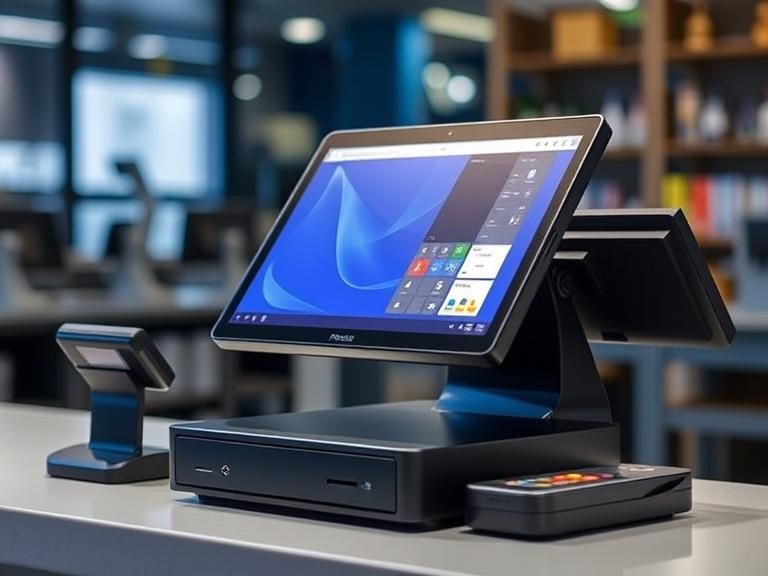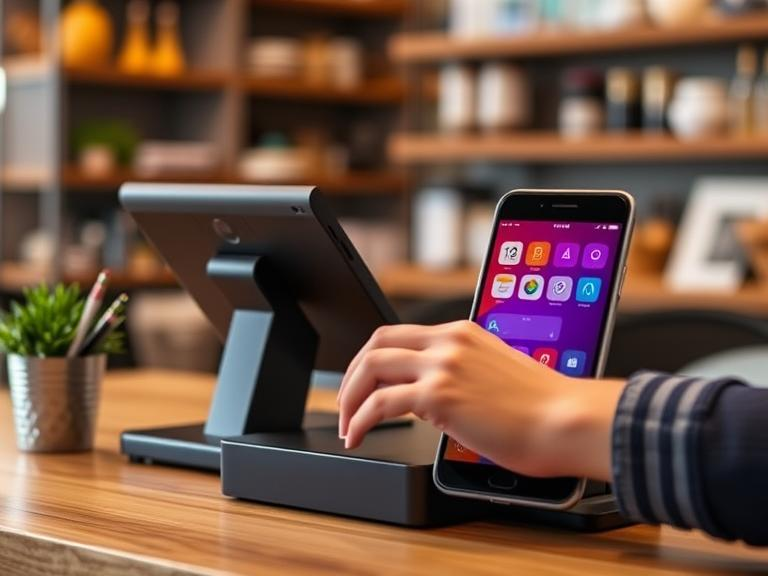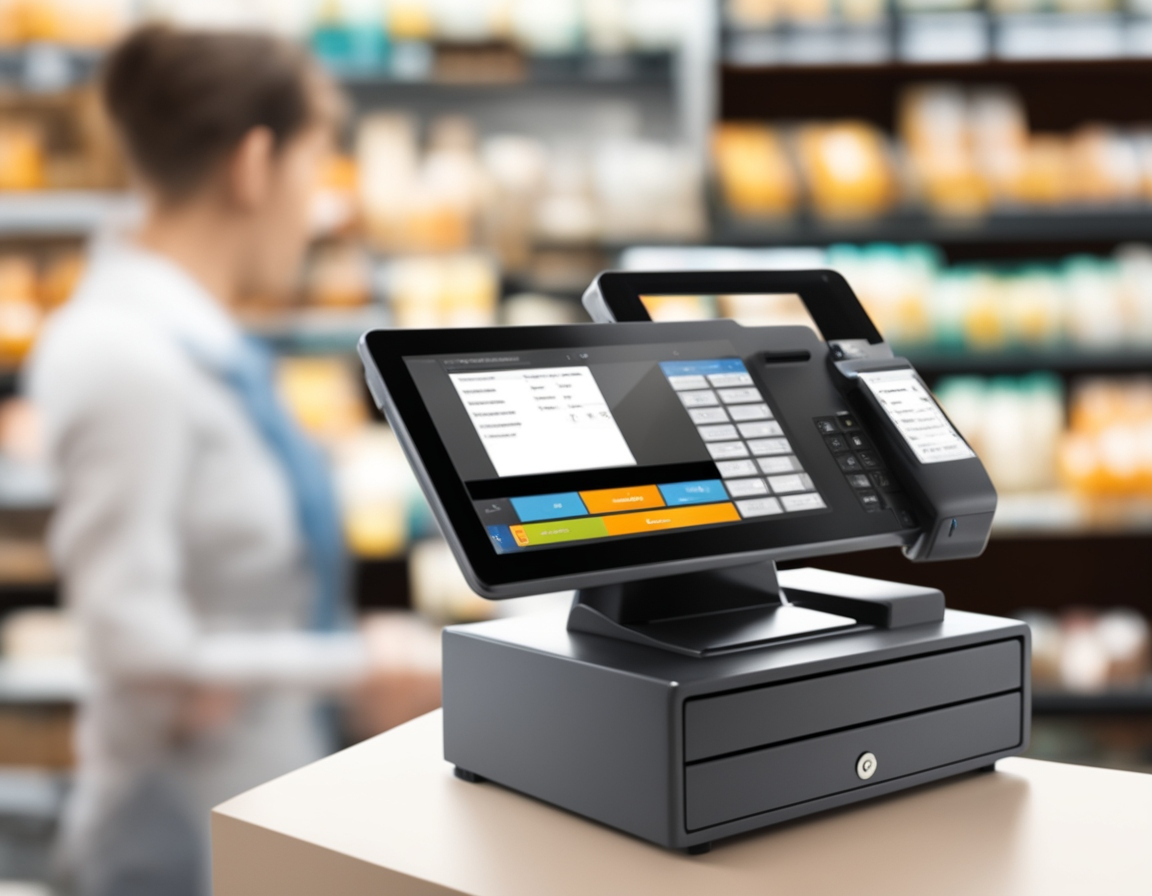
A Point of Sale (POS) system is a crucial technology for businesses to manage customer transactions. It consists of hardware components such as registers, scanners, and card readers, along with software that processes sales, tracks inventory, and manages payments. This system plays a key role in ensuring smooth operations, particularly in retail or food service environments. To keep your business running efficiently, it’s important to know how to test POS system after installation. Testing ensures that all components are working properly, preventing any potential disruptions in your workflow.
Why Should You Test Your POS System After Installation?
After you’ve installed your POS system, testing is a must. If you skip this step, you might encounter issues such as payment errors, inventory mismanagement, or slow processing. Testing allows you to verify that the system is working correctly before you use it to process real transactions, preventing costly mistakes and improving efficiency in the long run.
POS System Testing Overview
What is POS Testing?
POS testing refers to the process of evaluating the functionalities of your POS system to ensure everything works as intended. From processing sales and payments to managing inventory, testing checks whether every feature of your POS system is functioning correctly.
Why is Testing Important After Installation?
If you don’t test your POS system after installation, you risk running into problems once you start using it in your daily business activities. Common issues include transaction failures, inaccurate inventory updates, or slow processing speeds. Performing thorough testing helps you avoid these issues, which can disrupt business operations.
Types of Testing for POS Systems After Installation
Functional Testing
Begin testing with the core functionalities of your POS system. For instance, check if the system is turning on properly and processing sales. Ask questions like, “How do I start POS?” or “How do you turn on a POS?” Confirm that all key tasks—such as scanning barcodes, processing payments, and printing receipts—are working as expected.
Integration Testing
POS systems often need to interact with other software, like accounting or inventory systems. Test the integration to ensure data flows properly between the POS and these other systems. For example, if you make a sale, check if inventory updates in real time. Proper integration is crucial to ensure all components of the business stay in sync.
Performance and Load Testing
Testing how your POS performs under pressure is crucial, especially during busy times like sales or rush hours. Ask questions like, “How do I run a POS system during peak hours?” and observe how the system handles multiple transactions at once. You might even wonder, “How do I restart myPOS?” if the system starts to lag or slow down during high traffic.
Security Testing
Your POS system handles sensitive customer data, such as credit card information. That makes security a top priority. Test the encryption and data protection measures in place, and ensure your system is compliant with industry standards like PCI-DSS. Run vulnerability scans to detect potential weaknesses in your POS system’s security.
Usability Testing
A POS system should be easy for your employees to use. Test whether your staff can quickly learn how to use the system without issues. Ask yourself questions like, “How do you use POS for the first time?” and evaluate whether the system is intuitive for cashiers and managers. Testing usability helps minimize the time your employees spend figuring out the system.
Offline Testing
For businesses located in areas with unstable internet, testing offline capabilities is crucial. Confirm that your POS works when disconnected from the internet and syncs properly once the connection is restored. This is particularly important for businesses where connectivity issues may arise often.
Regression Testing
Whenever you update your POS system, test it to make sure previous functions still work. For example, after a software update, verify that the system can still process transactions, read barcodes, and print receipts. Regression testing helps catch issues caused by new updates or features.
Step-by-Step Process for Testing Your POS System After Installation
Pre-Test Setup
Before you start testing, make sure your POS system is ready. Check that all components, including hardware (like scanners and printers) and software, are properly set up. Read through the installation manual to familiarize yourself with the system’s functions and ensure everything is in place.
Testing Basic Features
Start by testing the basic operations of the POS system. Process a few sales, scan items, and print receipts. Pay close attention to the payment process—whether credit cards, cash, or mobile payments are handled smoothly. Ask questions like, “How do I process a POS transaction?” as you go through each step.
Integration Testing
Next, test how the POS system interacts with other software. For instance, verify that the POS system updates inventory automatically when a product is sold. This ensures that your system is synchronized with other parts of your business and can track stock levels accurately.
Performance Testing
Simulate a busy period in your store to test the system’s ability to handle multiple transactions. You may need to ask, “How do I restart myPOS?” if the system slows down or experiences issues during peak times. Performance testing ensures the POS can manage high transaction volumes.
Security Checks
Security is essential for protecting customer information. Test your POS system’s security features by running vulnerability scans and verifying compliance with PCI-DSS standards. Check that transaction data is encrypted and secure, especially when processing payments.
User Acceptance Testing (UAT)
This is when your employees get involved. Have your staff test the POS system to see if it’s easy to use. If any problems or difficulties arise, they can report them so that you can make adjustments before the system is fully operational.
Post-Test Reporting
Once testing is complete, compile a report outlining what was tested, any issues found, and the necessary steps to fix them. This report can be useful for communicating with your IT team or POS provider to resolve any technical problems.
Tools and Resources for POS Testing
Manual Testing Tools
For smaller businesses, simple tools like checklists or spreadsheets are often enough to perform manual testing. You can track the results of each test and make sure everything works as expected.
Automated Testing Tools
Larger businesses might want to use automated testing tools to speed up the testing process. Tools like Selenium or other POS-specific testing software can run multiple tests at once, saving time and reducing the chance for human error.
Third-Party Testing Services
If you prefer not to do the testing yourself, you can hire a third-party testing service. These services specialize in testing POS systems and can identify issues you might have missed. Consider using them if you don’t have the resources for in-house testing.
Troubleshooting Common POS Issues After Installation
Hardware Problems
Hardware issues, such as receipt printers not working or scanners not connecting, can interfere with POS operations. If you encounter hardware problems, check the connections and ensure everything is set up properly.
Software Bugs
Sometimes, software glitches can prevent the POS from functioning correctly. If transactions aren’t processing or inventory updates are inaccurate, ensure your software is up to date and check for bugs that need fixing.
Performance Issues
If your POS system starts slowing down, especially during busy periods, consider upgrading hardware or checking your network connection. Performance issues can impact customer service and affect business operations, so make sure to test under pressure.
Security Concerns
Your POS system needs to protect customer data. If security vulnerabilities are found during testing, fix them immediately. Regular security audits are essential to keeping your system secure.
Best Practices for Ongoing POS Testing and Maintenance
Routine Checks
Even after the initial testing, regular maintenance and checks are crucial. Schedule monthly or quarterly testing to catch any issues early and to ensure your system stays up to date.
Employee Feedback
Your employees are the primary users of the POS system, so their feedback is valuable. Ask for their input on the system’s functionality and usability to make improvements over time.
Stress Testing
Run stress tests during busy seasons, such as holidays or special sales events, to ensure the system can handle high traffic and multiple transactions.
Security Audits
Conduct regular security audits to check for any weaknesses in your POS system’s data protection features. Keeping your POS secure should always be a priority.
Real-World Example of Successful POS Testing After Installation
Background
A local restaurant recently upgraded its POS system. Before going live, the restaurant thoroughly tested the system to identify any potential issues.
Challenges and Solutions
During testing, the restaurant noticed that transactions were processing slowly during peak hours. After running performance tests, they upgraded their hardware to handle more transactions simultaneously.
Results and Benefits
Post-testing, the restaurant’s POS system ran much smoother. Sales transactions were faster, inventory updates were more accurate, and customer service improved. The system helped them serve more customers without errors or delays.
Conclusion
Testing your POS system after installation is an essential step that can save your business from future headaches. Whether you’re running a small shop or a large restaurant, proper testing helps avoid issues like transaction errors and inventory mismatches. Make sure to keep your POS system in top shape with regular testing and updates.
Are you ready to test your POS system? Follow the steps outlined in this guide to ensure that everything works properly before you open for business.
FAQs
- What is a POS system? A POS (Point of Sale) system is a combination of hardware and software used by businesses to process transactions and manage sales. It typically includes cash registers, barcode scanners, and payment terminals.
- How do I check if my POS system is working properly? To check your POS system, perform basic tests like processing sales, scanning products, and handling different payment methods. Make sure all connections between hardware and software are functioning.
- How do I activate a POS system? To activate your POS system, follow the installation instructions provided by the manufacturer. This typically involves turning on the machine, connecting hardware like printers and scanners, and setting up the software to work with your business.
- What should I do if my POS system is not working? If your POS system is not working, check for common issues like loose connections, outdated software, or network problems. You may also need to restart the system or check if the system is offline.
- How often should I test my POS system? It’s a good idea to test your POS system regularly, especially after updates or new installations. Perform tests during busy hours to make sure it can handle high-volume transactions without issues.