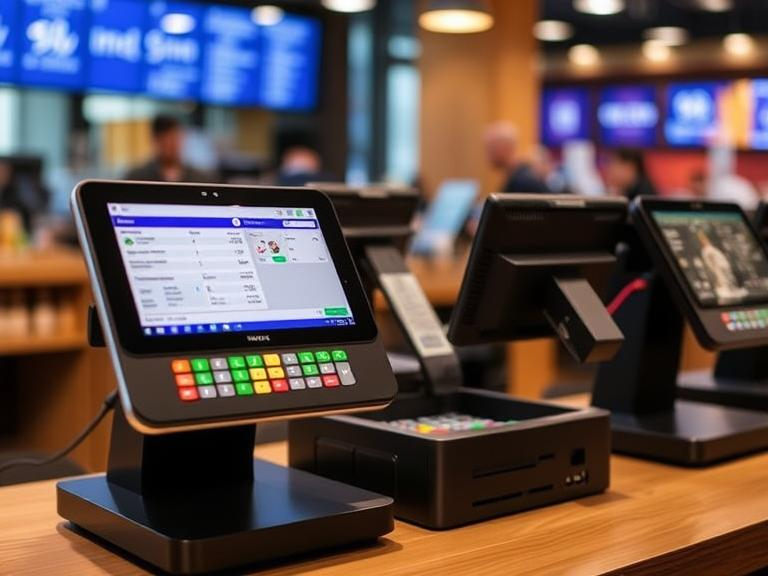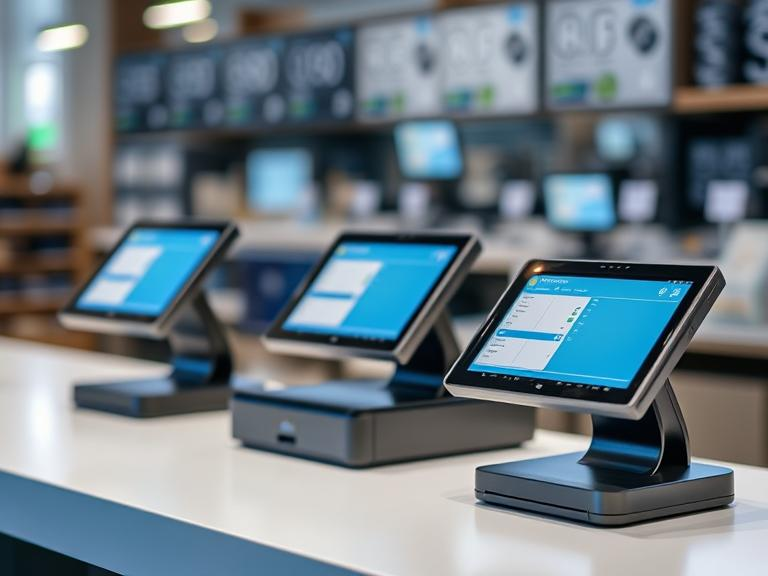
Running a bar means handling orders quickly, keeping track of stock, and making sure customers leave happy. A touch-screen POS system helps with all of this. But what is the advantage of a touch screen? It makes things faster and easier for both bartenders and customers.
Touch screens are common in restaurants because they cut down on mistakes, speed up service, and allow for easy payment processing. If you’re wondering what is the best POS system for a bar, the answer depends on the specific needs of your business. However, the right system will have features designed to keep your bar running smoothly.
Accelerated Order Processing and Checkout
The Need for Speed in Bars
Bars get busy, especially on weekends. People want their drinks quickly. A slow checkout process leads to long lines and unhappy customers. When a bartender taps a drink on a touch-screen POS, the order goes directly to the right station without delays. This speeds up service and helps keep things moving.
Fast and Simple Order Management
A good touch-screen POS makes it easy to split bills, add tips, and track open tabs. Many systems allow pre-authorized payments, meaning bartenders can quickly close out tabs without asking for a card again. The purpose of a touch screen for input is to make selecting menu items, modifying orders, and handling payments as simple as possible.
Enhanced Order Accuracy
Reducing Human Error
Bartenders work fast, and mistakes happen. A touch-screen POS reduces errors because orders go straight to the bar or kitchen without handwritten notes or verbal miscommunication. What is the reason for touch screen technology in bars? It helps prevent wrong orders and wasted ingredients.
Direct Communication with Bar and Kitchen Staff
With a digital system, a bartender can modify drinks on the screen—extra lime, no ice, or a double shot—and send the request instantly. This eliminates confusion and makes sure customers get exactly what they ordered.
Smarter Inventory Management
Real-Time Stock Monitoring
Running out of a popular liquor during peak hours is bad for business. A touch-screen POS updates stock levels instantly. This helps bar managers reorder before supplies run low.
Cutting Down on Waste
Spilled drinks, overpouring, and theft add up. A POS system tracks every pour, so you can see if losses are happening. Some systems even link to liquor dispensers to make sure bartenders pour accurate amounts every time.
Multiple Payment Options and Security
Accepting Various Payment Methods
Customers use different payment methods—credit cards, mobile wallets, and cash. A POS should accept them all. The advantages of touchless touchscreen technology allow customers to pay without physical contact, which many people now prefer.
Preventing Fraud and Chargebacks
Some customers claim they didn’t authorize a payment. A good POS captures digital signatures and verifies payments to reduce these issues.
Improved Customer Experience
Faster Service, Happier Customers
No one wants to wait 20 minutes for a drink. A touch-screen POS helps bartenders serve more people in less time.
Loyalty Programs and Personalization
Regulars love being recognized. A POS tracks customer preferences, making it easy to offer their favorite drinks or discounts on repeat visits. What is a touch screen commonly used in? It’s used in businesses like bars to speed up service and make customers feel valued.
Managing Staff Efficiently
Scheduling and Time Tracking
A POS does more than process sales. It tracks employee shifts, records clock-ins and clock-outs, and helps prevent overtime issues.
Monitoring Employee Performance
Who sells the most drinks? Who takes too long with orders? A POS provides reports to answer these questions. This helps bar managers make smart staffing decisions.
Using Data for Business Growth
Sales Reports and Peak Hour Tracking
A POS tracks best-selling drinks and busiest hours. This data helps with pricing, promotions, and scheduling the right number of staff.
Understanding Customer Trends
By analyzing what people order, bar owners can update menus to match customer preferences. What are the benefits of a POS system? It provides insights that help bars sell more and waste less.
Easy Integration with Other Tools
Accounting Software Compatibility
A POS connects with accounting software, so bar owners don’t have to manually enter numbers. This keeps financial records accurate.
Marketing and CRM Tools
A good POS can store customer data for targeted marketing. Sending special offers to past customers brings them back for more.
Choosing a Future-Proof System
Adapting to Business Growth
As a bar grows, its POS should grow too. Some systems allow adding more stations, self-service kiosks, or mobile ordering options.
Keeping Up with Technology
New features come out all the time. The difference between a touch screen and a regular screen is that a touch screen allows direct interaction, while a regular screen needs external devices. Upgrading to the latest POS features keeps businesses competitive.
Conclusion
Bars that still use outdated systems are missing out. Using a touch screen sensor in POS systems makes bar management faster, smarter, and more reliable. While every technology has advantages and disadvantages, the pros far outweigh the cons in this case. Some may ask, is a touch screen better than a keyboard? For bars, the answer is yes.
Now is the time to upgrade. If you’re looking for the best POS system for a bar, choose one that speeds up service, tracks inventory, and makes customers happy. Don’t let your competition get ahead—invest in a system that keeps your bar running at full speed!
FAQs
- What is the advantage of a touch-screen POS for bars?
It speeds up service, reduces order mistakes, and makes checkout faster. - Why are touch screens used in bars and restaurants?
They allow quick order entry, better accuracy, and easy payment processing. - What are the benefits of a POS system in a bar?
A POS system helps with fast transactions, inventory tracking, and managing staff. - What is the purpose of a touch screen POS for input?
It makes selecting drinks, modifying orders, and handling payments simple and fast. - What is the best POS system for a bar?
The best POS system should offer quick order processing, real-time inventory tracking, and multiple payment options.