A Point-of-Sale (POS) system is more than just a tool for processing transactions; it is the backbone of retail, restaurant, and e-commerce businesses. The right POS system can help you simplify operations, improve customer experience, and boost sales. However, with so many options on the market, choosing the best POS system can be overwhelming.
This comprehensive guide will walk you through the different types of POS systems, their essential features, industry-specific considerations, costs, implementation strategies, and future trends, helping you make an informed decision that fits your business needs.
What is a POS System?
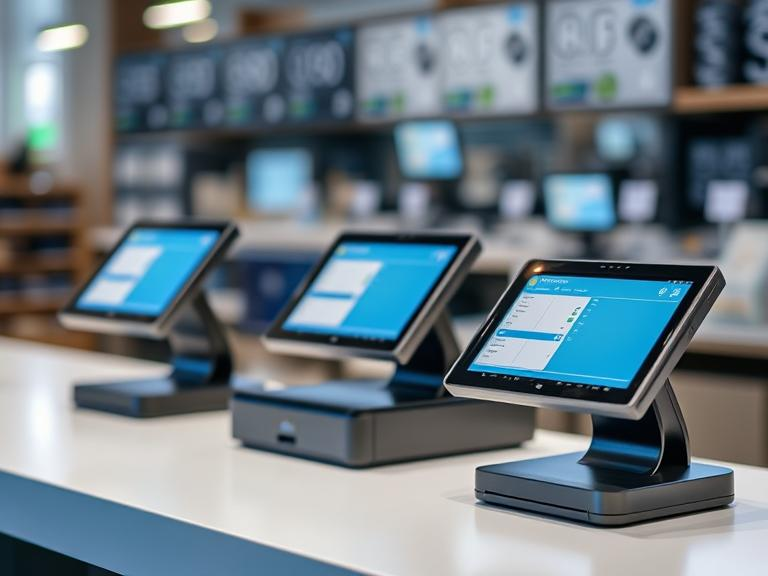
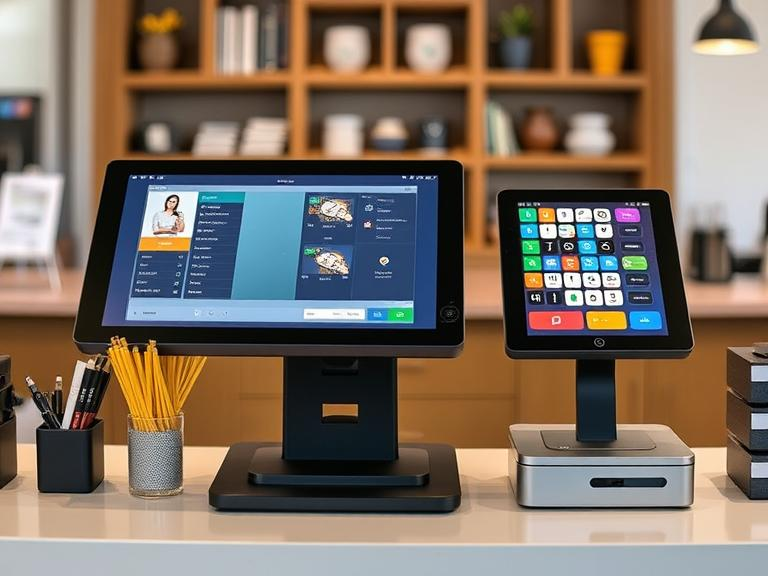
A Point-of-Sale (POS) system is a combination of hardware and software that businesses use to complete sales transactions. It records purchases, manages inventory, processes payments, and provides insights into customer behavior.
How Does a POS System Work?
- Product Selection: The cashier scans barcodes or manually inputs product details.
- Price Calculation: The system applies taxes, discounts, and total prices.
- Payment Processing: Customers pay via cash, credit/debit card, digital wallets, or mobile payments.
- Inventory Management: The system automatically updates stock levels.
- Receipts & Data Storage: A printed or digital receipt is generated, and sales data is stored for future analysis.
A well-designed POS system goes beyond transactions and can help businesses grow by offering customer insights, managing employee performance, and automating tedious tasks.
Types of POS Systems
Selecting the right type of POS system is crucial because different businesses have different needs. Let’s explore the three main types of POS systems and their advantages.
1. Traditional (On-Premise) POS Systems
Traditional POS systems require physical hardware and are usually installed on-site. They work without an internet connection and are best suited for large businesses with high transaction volumes.
Pros:
- Faster processing speeds as everything is local.
- Data security since everything is stored on-premises.
- Highly customizable for specific business needs.
Cons:
- Expensive upfront costs for hardware and software.
- Limited accessibility (can’t be used remotely).
- Requires IT maintenance and regular software updates.
2. Cloud-Based POS Systems
Cloud-based POS systems operate via the internet and store data on remote servers. These systems are widely used in retail stores, e-commerce businesses, and restaurants.
Pros:
- Accessible from anywhere with an internet connection.
- Lower upfront costs and easy scalability.
- Automatic software updates and secure cloud storage.
Cons:
- Requires a stable internet connection for smooth operation.
- Some systems charge monthly or annual subscription fees.
- Security concerns if not using a reliable provider.
3. Mobile POS Systems
A mobile POS (mPOS) system is a portable version of a POS system, often used by small businesses, pop-up shops, food trucks, and event-based businesses.
Pros:
- Affordable and easy to set up.
- Accepts multiple payment methods, including contactless and QR codes.
- Works on smartphones and tablets, making it convenient for mobile businesses.
Cons:
- Limited advanced features compared to full POS systems.
- May not integrate with some inventory management tools.
- Reliant on a stable internet connection for cloud-based systems.
Key Features to Consider When Choosing a POS System
When selecting a POS system, consider the following essential features that will improve your business operations and customer satisfaction.
1. Ease of Use
A complex POS system can slow down transactions and frustrate employees. Look for:
- An intuitive user interface that reduces training time.
- Simple checkout processes for quick sales.
- Mobile compatibility for convenience and flexibility.
2. Inventory Management
Your POS should track stock levels and send alerts when inventory is low. Key features include:
- Real-time stock updates when sales are made.
- Barcode scanning for fast product entry.
- Purchase order automation to restock inventory.
3. Payment Processing & Security
A POS system must support multiple payment options and comply with security regulations.
- Accepts credit cards, mobile payments, and cash.
- PCI DSS compliance for data protection.
- End-to-end encryption to prevent fraud.
4. Customer Relationship Management (CRM)
A POS with CRM features helps you retain customers and increase sales.
- Store customer purchase history for personalized marketing.
- Loyalty programs with reward points and discounts.
- Automated email receipts and promotional messages.
5. Reporting & Analytics
Data-driven insights help businesses make smarter decisions.
- Sales performance reports by day, week, or month.
- Best-selling products analysis to optimize stock.
- Employee performance tracking to improve efficiency.
Cost Breakdown: How Much Does a POS System Cost?
The cost of a POS system varies depending on the features, provider, and business size. Here’s what you need to consider:
1. Upfront Costs
- Hardware: POS terminals, barcode scanners, receipt printers, and cash drawers.
- Software licenses: Some systems require one-time fees, while others have subscriptions.
2. Ongoing Fees
- Monthly software subscription fees ($30 – $300 depending on provider).
- Transaction fees (1.5% – 3% per sale for credit card processing).
- Customer support & maintenance costs.
3. Hidden Costs
- Add-on fees for advanced analytics, integrations, or API access.
- Extra costs for POS hardware upgrades.
- Fees for employee training or additional locations.
Steps to Implement a POS System
- Assess Business Needs – Identify your must-have features.
- Research Vendors – Compare pricing, reviews, and compatibility.
- Test Before Purchase – Use free trials or demo versions.
- Train Employees – Make sure staff is familiar with the system.
- Monitor Performance – Regularly check reports and make adjustments as needed.
Future Trends in POS Systems
1. AI & Machine Learning
- AI-powered sales forecasting and demand prediction.
- Automated customer support via AI chatbots.
2. Contactless Payments & Digital Wallets
- Growing adoption of Apple Pay, Google Pay, and NFC payments.
- Faster, more secure, and hygienic transactions.
3. Omnichannel Selling
- Integrated systems that work with online stores, mobile apps, and physical locations.
- Syncs inventory across multiple sales channels.
Conclusion
A POS system is a vital tool for running a business. Choosing the right one depends on your industry, budget, and specific needs. By selecting a system with useful features, scalability, and security, you can boost sales, improve customer experience, and simplify operations.
Would you like expert guidance in choosing the right POS for your business? Contact us today for a consultation!
FAQs
What is a POS system?
A POS (Point-of-Sale) system combines hardware and software to complete sales transactions, manage inventory, process payments, and provide customer insights.
What are the different types of POS systems?
The three main types are traditional (on-premise) POS, cloud-based POS, and mobile POS, each suited to different business needs and sizes.
What are the key features to consider in a POS system?
Key features include ease of use, inventory management, payment processing & security, customer relationship management, and reporting & analytics.
How much does a POS system cost?
Costs vary based on features, with upfront hardware and software fees, ongoing monthly subscriptions, and additional transaction or support fees.
What are the future trends in POS systems?
Future trends include AI and machine learning for sales forecasting, increased use of contactless payments, and omnichannel selling for seamless integration across platforms.