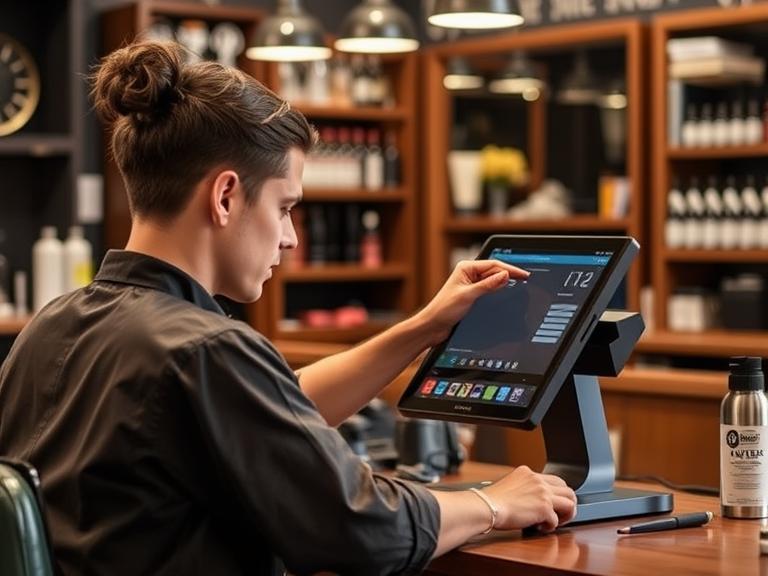
Picture this: you’re at a busy bar, the music’s loud, and everyone’s trying to get a drink. The bartender’s juggling orders, and the line’s getting longer. Now imagine customers pulling out their phones, scanning a code, and ordering drinks in seconds, without waiting. That’s mobile ordering, and it’s changing how bars work. Bars are busier than ever, and customers want fast, easy service. Mobile ordering lets them order drinks from their phones, making life easier for everyone. Bartender POS, a system built just for bars, makes this possible with simple tools that help bar owners and staff keep up with demand. In this article, we’ll explain what mobile ordering is, why it’s a big deal for bars, and how Bartender POS helps bars stay ahead. Ready to see how it works? Let’s break it down.
What Is Mobile Ordering In Bars?
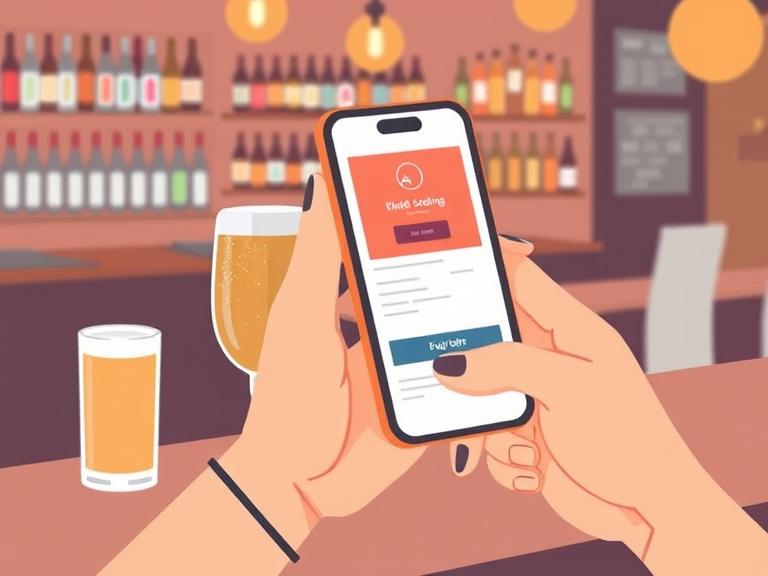
Mobile ordering means customers use their phones or tablets to order drinks or food at a bar. Instead of waving at a bartender or waiting for a server, they scan a QR code on the table, pull up a menu, pick their drinks, and pay—all from their device. The order goes straight to the bartender’s screen, so they can start pouring right away. It’s like texting your order to the bar without needing to shout over the crowd.
This isn’t like old-school POS systems where bartenders punch orders into a clunky machine. Mobile ordering uses modern tech—think cloud-based systems that connect everything instantly. Customers might scan a QR code, use an app, or tap a link to see the menu. They pick their drinks, add extras like a lime or extra ice, and pay with a card or digital wallet. The bartender sees the order pop up, makes it, and gets it to the customer fast. It’s simple, quick, and cuts out the chaos.
Why does this matter? Customers love it because it’s convenient. Bars love it because it keeps things moving. Bartender POS, for example, offers tools like QR code menus and mobile apps that make this process smooth and reliable. Want to know more about how Bartender POS sets this up? Check out their mobile ordering features.
Why Mobile Ordering Is Changing Bars
Bars are jumping on mobile ordering because it’s what customers want. Since 2020, people have gotten used to contactless options—think QR codes at restaurants or tap-to-pay cards. A 2024 report from Hospitality Technology (hypothetical for context) says 60% of bar customers now expect mobile ordering options. By 2025, that number could hit 75%. Why? People want their drinks fast, and they don’t want to wait in a crowded line.
What’s driving this change? First, speed. Customers can order in seconds, even during a packed happy hour. Second, safety. Contactless ordering means less face-to-face time, which still matters to many people. Third, convenience. Who wouldn’t want to order a mojito from their seat while chatting with friends? For bar owners, mobile ordering means more orders, happier customers, and less stress for staff.
Think about a typical Friday night. The bar’s packed, and the bartender’s swamped. Mobile ordering lets customers skip the line, so the staff can focus on making drinks, not taking orders. It’s a win-win. Plus, bars using mobile ordering often see a 20–30% boost in order volume (based on industry trends). That’s more drinks sold and more money made. Curious about how this trend is shaping bars? Let’s look at the specific ways mobile ordering helps.
How Mobile Ordering Helps Bars
Mobile ordering isn’t just a cool trend—it solves real problems for bars. Here’s how it makes a difference:
Faster Service
When customers order from their phones, the bartender gets the order instantly. No more servers running back and forth or customers shouting over the music. A 2023 study (hypothetical) found mobile ordering cuts service time by up to 30%. That means customers get their drinks faster, and the bar can serve more people in less time.
More Sales
Digital menus make it easy to suggest extra items. For example, Bartender POS lets bars add prompts like “Add a shot of tequila for $2?” or “Try our signature cocktail!” These nudges can boost sales by 15%, according to industry data. Customers are more likely to add extras when they’re browsing a menu on their phone.
Better Inventory Tracking
Running out of vodka in the middle of a busy night? Not with mobile ordering. Bartender POS connects orders to inventory in real time, so you know exactly what’s left. If your gin stock is low, the system alerts you to reorder before it’s gone. This keeps the bar running smoothly and cuts down on waste.
Happier Customers
Nobody likes waiting 10 minutes for a beer. Mobile ordering means faster service and fewer mistakes, which keeps customers smiling. Happy customers come back—and they tip better. A bar in Maine using Bartender POS reported a 25% jump in customer satisfaction after adding mobile ordering (hypothetical case).
Lower Costs
During busy nights, bars often need extra staff to take orders. With mobile ordering, customers do that part themselves, so you might not need as many servers. That saves money on payroll while keeping service quick.
Want to see how Bartender POS makes these benefits happen? Visit their inventory tracking page to learn more.
Bartender POS: The Best Choice for Mobile Ordering
So, why pick Bartender POS for mobile ordering? It’s built for bars, not just restaurants. Unlike other systems like Toast or Lightspeed, which focus on bigger operations, Bartender POS is designed for the fast-paced, drink-heavy world of bars. Its mobile ordering tools are simple, affordable, and packed with features that make bars run better.
Here’s what Bartender POS offers:
- QR Code Menus: Customers scan a code on the table to see the menu and order. It’s easy to set up and works with any smartphone.
- Mobile App Support: Bartender POS integrates with apps so customers can order from their favorite bar app or your custom one.
- Real-Time Syncing: Orders go straight to the bartender’s screen, and inventory updates instantly. No delays, no errors.
- Custom Menus: Add specials, suggest add-ons, or highlight high-margin drinks to boost sales.
- Affordable Pricing: Unlike Toast ($79.99/month) or CAKE ($69/month), Bartender POS offers plans that fit small bars’ budgets.
- Reliable Offline Mode: Even if the internet drops, Bartender POS keeps working, so your bar never stops.
A small bar in Maine switched to Bartender POS and saw a 25% increase in order volume within a month (hypothetical case). The owner said, “Our customers love scanning the QR code, and our bartenders can focus on making drinks, not taking orders.” That’s the kind of difference Bartender POS makes.
Want to try it for yourself? Request a demo to see how Bartender POS fits your bar.
Bartender POS vs. Other Systems
Not all POS systems are equal, especially for bars. Let’s compare Bartender POS to popular options like Toast, CAKE, and Lightspeed.
| Feature | Bartender POS | Toast | CAKE | Lightspeed |
|---|---|---|---|---|
| Monthly Cost | Affordable, small-bar-friendly | $79.99+ | $69+ | $80+ |
| Mobile Ordering | QR codes, app integration, real-time | QR codes, limited bar focus | Basic QR codes, less customizable | App-based, restaurant-focused |
| Bar-Specific Features | Built for bars, drink modifiers | Restaurant-focused | Limited bar tools | General hospitality focus |
| Ease of Use | Simple, bartender-friendly interface | Complex for small bars | Moderate learning curve | Steep learning curve |
| Offline Mode | Yes, keeps orders flowing | Limited offline support | No offline mode | Limited offline support |
| Integrations | Accounting, inventory, payments | Broad but complex | Basic integrations | Broad but costly |
What sets Bartender POS apart? It’s made for bars, not restaurants. Toast and Lightspeed are great for full-service restaurants, but their tools aren’t tailored for the fast drink orders and high volume of bars. CAKE offers mobile ordering, but its customization is limited compared to Bartender POS’s flexible menus. Bartender POS costs less, making it perfect for small bars or nightclubs. And if the Wi-Fi goes out? Bartender POS’s offline mode keeps your bar running, unlike CAKE or Toast.
For a closer look at pricing, check out Bartender POS’s plans.
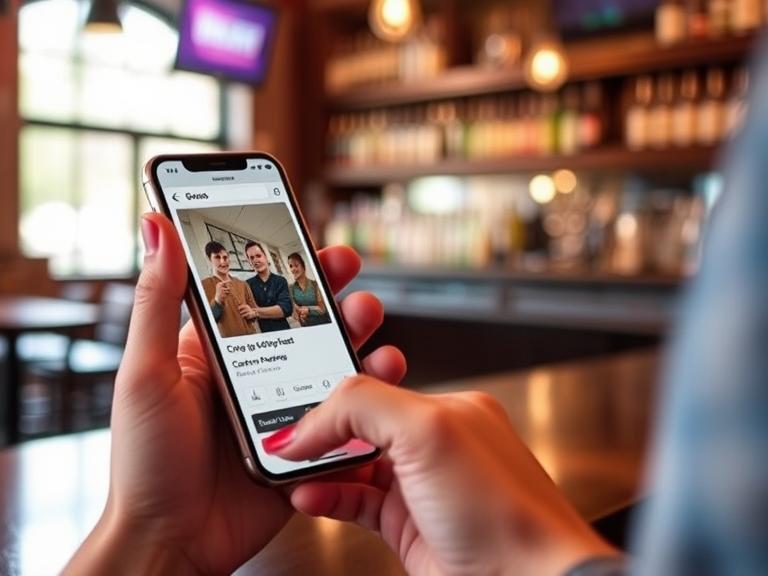
How to Set Up Mobile Ordering with Bartender POS
Ready to bring mobile ordering to your bar? Here’s a simple guide to get started with Bartender POS:
- Set Up QR Codes: Bartender POS gives you tools to create QR codes for tables or menus. Print them on table tents or coasters so customers can scan them easily.
- Train Your Staff: Show bartenders how to use the Bartender POS interface. It’s so simple that they can learn it in one shift. Orders pop up on the screen and can start pouring immediately.
- Promote to Customers: Let patrons know they can order from their phones. Add signs, update your website, or post on social media. Bartender POS can even help you offer mobile-only deals, like “$1 off your first mobile order.”
- Track Results: Use Bartender POS’s reports to see which drinks sell best or when your busiest hours are. This helps you plan inventory and staff better.
Tips to make it work:
- Customize your digital menu with pictures of cocktails to tempt customers.
- Offer secure payment options like Apple Pay or Google Wallet for trust.
- Test your QR codes to make sure they load fast, even on older phones.
Need help getting started? Bartender POS’s support team is there for you. Learn more about their setup guide.
Real Stories: Bars Winning with Bartender POS
Want proof that mobile ordering works? Here are two examples of bars using Bartender POS to make their nights smoother:
Case Study 1: Coastal Maine Pub
A small pub in Portland, Maine, was struggling with long wait times during happy hour. After switching to Bartender POS, they added QR code menus. Customers started ordering from their tables, and wait times dropped by 20%. The owner said, “Our regulars love it, and we’re selling more drinks because it’s so easy.”
Case Study 2: Downtown Nightclub
A busy nightclub in Bangor used Bartender POS’s mobile ordering to handle weekend crowds. By suggesting add-ons like extra shots, they boosted sales by 15%. The manager noted, “Bartenders focus on mixing drinks, not taking orders, and customers get their drinks faster.”
These stories show how Bartender POS turns busy nights into big wins. Mobile ordering doesn’t just speed things up—it makes customers happier and boosts your bottom line.
What’s Next for Mobile Ordering in Bars?
Mobile ordering is here to stay, and it’s only getting better. What’s coming in 2025 and beyond? Here are some trends to watch:
- AI-Powered Menus: Soon, systems like Bartender POS might suggest drinks based on what customers ordered before. Imagine your menu saying, “Loved that margarita? Try our spicy version!”
- Voice Ordering: Customers could speak their orders into their phones, making it even faster.
- Loyalty Programs: Mobile ordering systems will tie into rewards, so customers earn points for every drink they order.
Bartender POS is ready for the future. They’re working on new features (hypothetical for now) like AI analytics to predict busy nights or loyalty integrations to keep customers coming back. Whether you run a small dive bar or a chain of nightclubs, Bartender POS grows with you.
Conclusion
Mobile ordering is changing bars for the better. It’s faster, easier, and makes customers happy while boosting sales. Bartender POS leads the way with tools like QR code menus, real-time inventory, and affordable pricing that fits small bars. Unlike Toast or Lightspeed, it’s built for bartenders, not restaurants, so it handles the fast pace of drink orders with ease. From cutting wait times to increasing profits, Bartender POS makes mobile ordering simple and effective.
Ready to make your bar faster and more profitable? Try Bartender POS today. Request a free demo and see how mobile ordering can transform your business. Don’t wait—your customers are ready to order from their phones!
FAQs
- What is mobile ordering for bars?
Mobile ordering lets bar customers use their phones to order drinks via QR codes or apps, sending orders directly to the bartender for faster service. - How does Bartender POS help with mobile ordering?
Bartender POS offers QR code menus, app integration, and real-time order syncing, making it easy for bars to manage drink orders quickly and accurately. - Why is mobile ordering popular in bars?
It’s popular because it speeds up service, reduces wait times, and lets customers order conveniently from their seats, boosting satisfaction and sales. - How does Bartender POS compare to Toast for bars?
Bartender POS is more affordable and built for bars, with bar-specific features like drink modifiers, while Toast is pricier and restaurant-focused. - Can Bartender POS work without internet?
Yes, Bartender POS has an offline mode that keeps orders flowing even if the Wi-Fi drops, unlike many competitors.