For coffee shop owners, finding the right Point of Sale (POS) system can make or break your business. A good POS system does more than just process payments; it streamlines daily operations, helps manage inventory, enhances customer relationships, and ultimately supports your business growth. But with countless options available, how do you choose the best POS system for your coffee shop?
In this comprehensive guide, we’ll delve into everything you need to know about POS systems for coffee shops, from key features and types of systems to the best options available in 2025 and a breakdown of costs. Whether you’re opening a new coffee shop or upgrading your existing setup, this guide will help you make an informed decision.
What is a POS System for Coffee Shops?
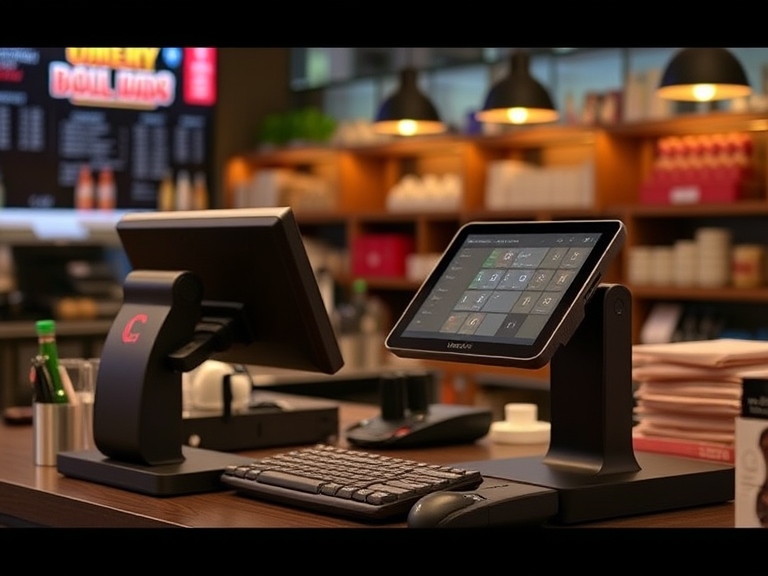
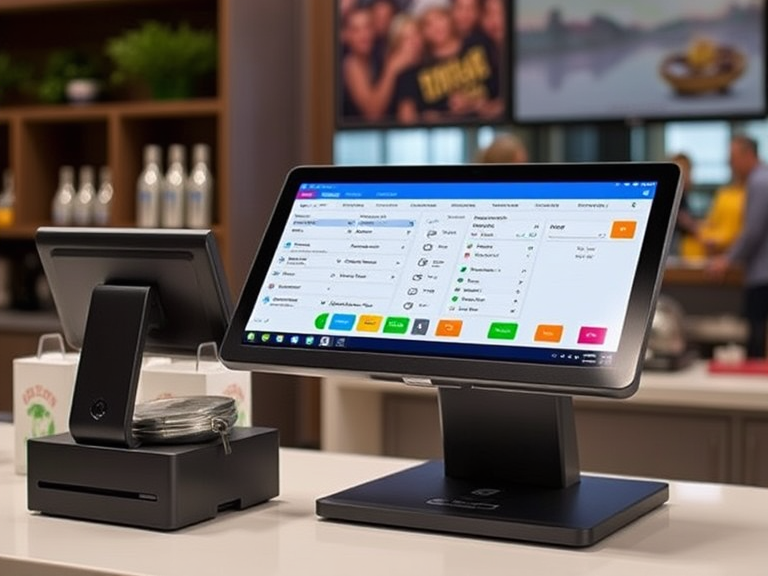
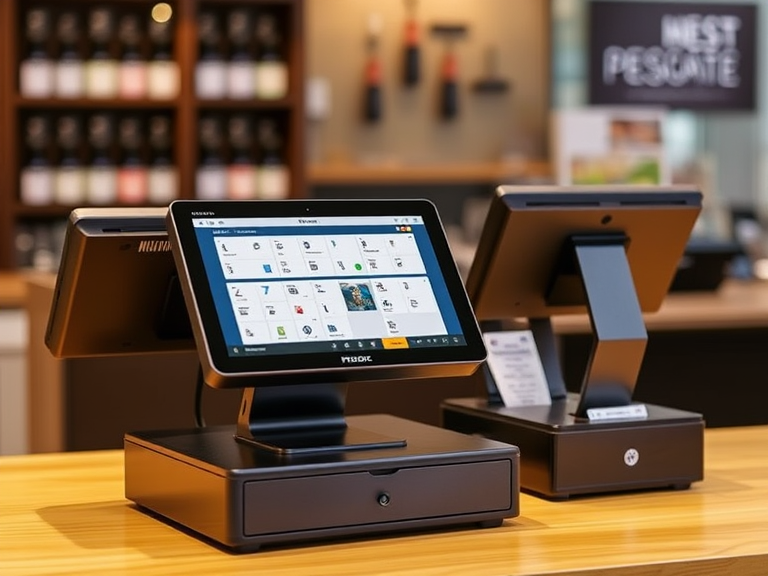
A Point of Sale (POS) system is a combination of hardware and software that helps coffee shops process transactions, track sales, manage inventory, and analyze business performance. In essence, it’s the digital backbone of your business. Unlike traditional cash registers, modern POS systems are packed with additional functionalities that are tailored to the fast-paced, customer-focused environment of a coffee shop.
For coffee shops, the ideal POS system should provide:
- Quick transaction processing to keep lines moving.
- Inventory tracking to ensure ingredients are stocked.
- Customer management tools like loyalty programs to increase retention.
- Advanced reporting to help you make data-driven decisions.
Let’s take a closer look at the key features and benefits a POS system should offer for a coffee shop.
Key Features of a POS System for Coffee Shops
When choosing a POS system for your coffee shop, it’s essential to look for certain features that are specifically tailored to the fast-paced and unique nature of coffee shop operations.
Ease of Use
In a busy coffee shop, your staff may change frequently, and you don’t want to spend time training employees on complex systems. Look for a user-friendly interface that allows staff to quickly ring up orders, customize drinks, and process payments, even during peak hours.
Speed and Efficiency
Speed is essential in the coffee shop industry. A slow POS system can create long lines and frustrated customers. Choose a POS system that handles high-volume transactions quickly and efficiently. It should also allow baristas to input orders rapidly, reduce waiting times, and avoid errors.
Inventory Management
Accurate inventory management is critical in coffee shops to prevent stockouts and wastage. A good POS system will automatically update inventory counts as you make sales, track your most popular items, and alert you when stock is running low. Features like real-time inventory tracking and stock level alerts are crucial for maintaining consistent product availability.
Customer Loyalty and CRM
Customer loyalty is key to building a strong, repeat customer base. Your POS system should integrate with a customer loyalty program that allows you to track customer preferences, offer promotions, and provide rewards for repeat business. Customer Relationship Management (CRM) tools can also help you personalize your marketing efforts, from email campaigns to targeted discounts.
Multi-Location Support
If you have more than one coffee shop location or plan to expand, make sure your POS system can support multiple locations. Look for systems that allow you to manage sales, inventory, and employees across different stores from a single account. This makes managing your coffee shop chain more efficient.
Mobile Payment Processing
Today’s customers expect a variety of payment options. Your POS system should be capable of processing mobile payments, including Apple Pay, Google Pay, and traditional credit/debit cards. This ensures you can serve all types of customers and minimize transaction friction.
Customizable Menu and Order Modifications
Coffee shops often have complex orders (e.g., specific milk types, extra shots of espresso, or dietary preferences). Your POS system should allow for easy customization of menu items and special requests. This will help ensure your staff can efficiently handle special orders and avoid mistakes.
Analytics and Reporting
A good POS system should provide you with comprehensive sales reports. This includes tracking daily sales, employee performance, and product popularity. Access to detailed analytics will enable you to identify trends, optimize your menu, and make informed financial decisions
Types of POS Systems for Coffee Shops
There are three main types of POS systems that coffee shop owners typically choose from: cloud-based POS systems, on-premise POS systems, and mobile POS systems. Let’s explore each type in detail:
Cloud-Based POS Systems
Cloud-based POS systems store your data on the internet, allowing you to access it from any device with an internet connection. These systems are affordable, scalable, and offer automatic software updates. Cloud-based systems are ideal for coffee shop owners who need flexibility and remote access to their sales data.
Advantages:
- No upfront hardware costs (you only pay for the software and subscription).
- Real-time reporting and access to data from anywhere.
- Automatic software updates to keep your system current with the latest features.
Popular Cloud-Based Providers:
- Square: Offers a free basic POS system, with affordable add-ons for advanced features like inventory management and loyalty programs.
- Toast: Known for its restaurant-focused features, including employee management and customer loyalty programs.
- Lightspeed: Offers extensive integrations and inventory management tools, making it ideal for larger coffee shops.
On-Premise POS Systems
On-premise POS systems store data locally on your hardware. They typically require a higher initial investment but offer greater control over your data and fewer ongoing subscription fees. These systems may require more maintenance, but they are highly reliable in areas with inconsistent internet connectivity.
Advantages:
- Greater control over data security.
- No ongoing subscription fees.
- Higher reliability in areas with poor internet service.
Popular On-Premise Providers:
- Clover POS: Offers customizable hardware, from simple setups to advanced terminals with integrated payments.
- Aloha POS: A feature-rich option often used by large coffee chains and franchises, offering robust reporting and integration capabilities.
Mobile POS Systems
Mobile POS systems are the most portable option, allowing you to accept payments directly through your mobile device. These systems are perfect for small coffee shops, coffee carts, or businesses that need a flexible, on-the-go POS solution.
Advantages:
- Low upfront costs.
- Portability—ideal for mobile setups or pop-up shops.
- Great for coffee shops with a single register or those with limited space.
Popular Mobile POS Providers:
- Shopify POS: Easy to set up and perfect for coffee shops that also sell retail products or merchandise.
- SumUp: Affordable and simple, ideal for small, single-location coffee shops.
How Much Does a POS System for Coffee Shops Cost?
Understanding the cost structure of a POS system is essential when budgeting for your coffee shop. The price of a POS system depends on several factors, including the type of system you choose, the number of terminals required, and any additional features or integrations.
Initial Costs: Hardware and Software
- Cloud-Based POS: Typically, cloud-based systems have low upfront costs. The initial hardware (like tablets, receipt printers, and cash drawers) may cost $1,000 to $3,000. Software subscriptions range from $50 to $200 per month per terminal.
- On-Premise POS: These systems can cost between $3,000 and $10,000 upfront, as they require local hardware installations and potentially more complex configurations.
- Mobile POS: Mobile POS systems have the lowest upfront cost, typically ranging from $200 to $800 for a tablet and accessories. However, you’ll still need a monthly software fee, which can be $29 to $79 per month.
Ongoing Costs
- Transaction Fees: Cloud-based systems often charge transaction fees, which typically range from 2.6% to 3.5% per transaction. Mobile POS systems usually have lower fees, while on-premise systems might have no transaction fees but higher upfront costs.
- Monthly Subscription Fees: Depending on the POS provider, monthly software fees range from $50 to $200 per terminal, based on the features and functionality you need.
- Add-Ons and Integrations: Advanced features such as customer loyalty programs, advanced reporting, or third-party integrations can cost extra. Be sure to account for these potential expenses in your budgeting.
Best POS Systems for Coffee Shops in 2025
Choosing the best POS system for your coffee shop depends on your size, needs, and budget. Here are the best options to consider in 2025:
Square for Coffee Shops
- Best for: Small coffee shops or those on a budget.
- Features: Easy-to-use interface, mobile payments, customer loyalty programs, free basic POS system.
- Price: Free basic system; additional features start at $60/month per terminal.
Toast POS
- Best for: Growing coffee shops that need comprehensive features.
- Features: Inventory management, employee scheduling, multi-location support, customer loyalty.
- Price: Starts at $69/month per terminal.
Lightspeed POS
- Best for: Larger coffee shops with complex needs.
- Features: Advanced reporting, integration capabilities, multi-location support, inventory management.
- Price: Starts at $69/month per terminal.
Clover POS
- Best for: Coffee chains and franchises.
- Features: Customizable hardware, integrated payments, detailed reporting.
- Price: Starts at $14/month per terminal; higher-tier pricing available based on hardware.
How to Choose the Right POS System for Your Coffee Shop
Choosing the right POS system for your coffee shop is a strategic decision that can directly impact your operations. Here’s how to approach the selection process:
- Evaluate Your Coffee Shop’s Size and Needs: If you have multiple locations, look for a system that can scale and handle multiple terminals.
- Prioritize Features: Ensure the POS system offers critical features like inventory management, speed, and customer loyalty.
- Consider Your Budget: Factor in both initial and ongoing costs, including hardware, subscription fees, and add-ons.
- Test the System: Most POS providers offer free trials. Use these to evaluate the system’s ease of use, functionality, and customer support.
Conclusion
Choosing the best POS system for your coffee shop is an essential step towards streamlining operations, enhancing customer satisfaction, and driving business growth. With the right POS system in place, you’ll improve speed, manage inventory more effectively, and increase revenue through customer loyalty programs and data-driven insights.
Take the time to evaluate your specific needs, compare options, and consider both short-term and long-term costs. By investing in a high-quality POS system, you’re setting your coffee shop up for success.