When it comes to managing a business, choosing the right Point of Sale (POS) system is crucial. It’s not just about processing transactions but also about streamlining inventory, managing customer data, and generating insightful reports. But how much does a POS system cost per month? This is a common question among small business owners, restaurant operators, and even large enterprises.
In this comprehensive guide, we will break down the cost factors that influence POS systems, compare different pricing plans, and help you choose the best POS system for your business based on your budget.
What is a POS System?
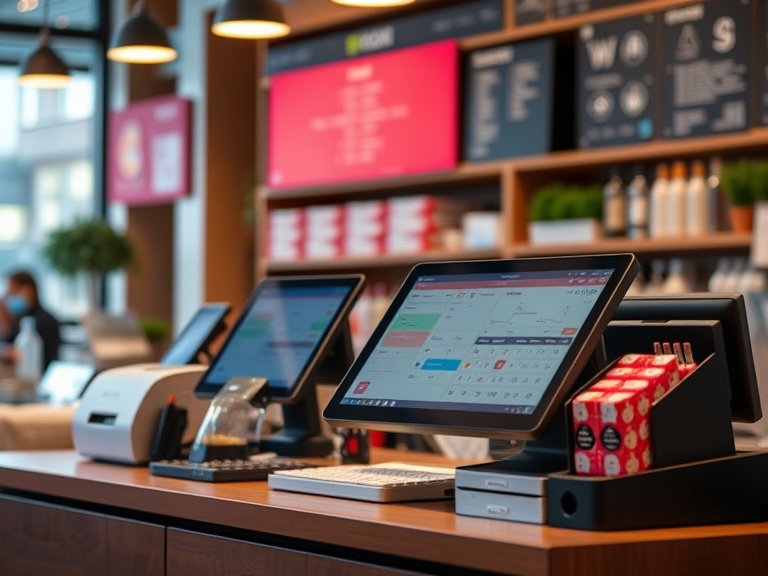
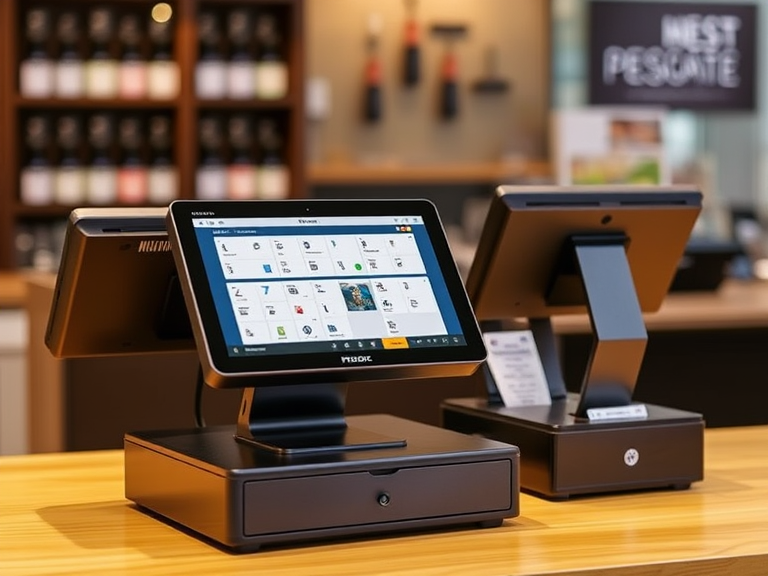
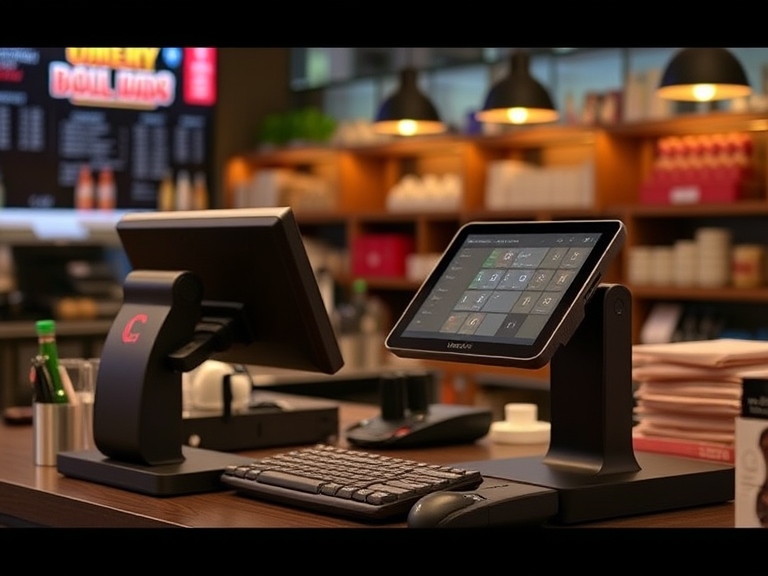
A Point of Sale (POS) system refers to the combination of hardware and software used to complete transactions, manage business operations, and integrate with other tools like inventory and accounting. Whether you’re a retailer, restaurant owner, or eCommerce business, your POS system is central to everyday transactions.
At its core, a POS system helps businesses handle:
- Sales transactions (credit/debit cards, cash, mobile payments)
- Inventory management
- Customer management
- Reporting and analytics
The cost of a POS system varies depending on the features you need, the type of business you run, and whether you’re looking for cloud-based software or an on-premise solution.
How Much Does a POS System Cost Per Month?
The cost of a POS system can range widely based on several factors such as the type of business, number of users, and the features included in the plan. On average, businesses can expect to pay anywhere from $0 to over $300 per month for a POS system, depending on the plan they choose.
Here’s a quick breakdown of typical monthly costs:
- Low-Cost POS Systems: $0 to $50/month
- Mid-Range POS Systems: $50 to $150/month
- High-End POS Systems: $150+ per month
The pricing varies greatly based on whether you opt for a basic solution or a comprehensive, feature-rich system. Let’s explore the details of each pricing tier.
Low-Cost POS Systems: $0 to $50/Month
For small businesses, startups, or those on a tight budget, low-cost POS systems can be a great choice. These systems typically offer basic features and are designed to meet the needs of businesses with limited transaction volume or simple sales operations.
Features Typically Included:
- Basic sales processing
- Inventory management (usually limited)
- Basic reporting
- Integration with payment processors
Examples of Low-Cost POS Providers:
- Square POS: Square offers a free POS system for businesses that accept card payments. Additional features, such as payroll or advanced reporting, are available at extra cost.
- PayPal Zettle: Zettle provides free software with a small transaction fee and is often favored by small businesses and solopreneurs.
These systems usually have low upfront costs but may charge transaction fees or additional fees for certain integrations or advanced features.
Mid-Range POS Systems: $50 to $150/Month
Mid-range POS systems are designed for growing businesses that need more advanced functionality than the basic systems. These typically offer a good balance between affordability and feature set, making them a popular choice for small-to-medium-sized businesses.
Features Typically Included:
- More robust sales reporting and analytics
- Inventory management with barcode scanning
- Customer relationship management (CRM) features
- Employee management (time tracking, scheduling)
- Integration with accounting software (e.g., QuickBooks)
Examples of Mid-Range POS Providers:
- Lightspeed POS: Lightspeed is known for its intuitive interface and advanced inventory management features. It’s ideal for retailers and restaurants and offers a range of plans starting at around $69/month.
- Toast POS: Particularly popular with restaurants, Toast starts at $69/month for its basic plan. It includes menu management, online ordering, and detailed reporting.
Mid-range POS systems often have lower transaction fees compared to the low-cost options and provide greater customization possibilities.
High-End POS Systems: $150+/Month
High-end POS systems are best suited for large enterprises or businesses with complex needs. These systems are designed to scale with your business, supporting multiple locations, sophisticated reporting, and full integration with other business operations.
Features Typically Included:
- Advanced analytics and reporting
- Multi-location management
- Integrated CRM and marketing automation
- Advanced inventory control and supplier management
- 24/7 customer support
Examples of High-End POS Providers:
- Shopify POS: A robust solution for retail and eCommerce businesses, Shopify POS offers powerful reporting, inventory management, and customer tools. Plans start at $89/month but can scale up significantly depending on the features and number of locations.
- Clover POS: Clover provides customized solutions for businesses of all sizes. Starting at $69/month, it offers robust features like advanced reporting, inventory tracking, and employee management.
High-end systems may require upfront costs for equipment, especially if you’re purchasing additional hardware such as receipt printers, barcode scanners, and registers.
Factors That Influence POS System Pricing
Several factors influence the cost of a POS system. Understanding these elements can help you make an informed decision when selecting the right solution for your business.
1. Hardware Costs
While some POS systems offer software-only solutions, many require physical hardware such as tablets, terminals, receipt printers, and barcode scanners. The cost of hardware can vary significantly depending on the brand, model, and features.
For example, the price of a standard POS terminal can range from $200 to $1,000, while a mobile POS system using tablets or smartphones can be more affordable.
2. Software Subscription Fees
Most POS providers charge monthly subscription fees for their software, which can vary based on features. For example, entry-level plans may be priced around $29/month, while more advanced plans with features like custom reporting, CRM integration, and analytics can cost upwards of $150/month.
3. Payment Processing Fees
Payment processors often charge a percentage of each transaction (typically 2.6% to 3.5%) plus a small fixed fee (e.g., $0.10 per transaction). These fees can add up quickly depending on your transaction volume.
4. Add-ons and Integrations
If you require integrations with other business tools, such as accounting software or marketing platforms, additional fees may apply. Many POS systems offer add-on services like payroll, loyalty programs, and advanced inventory management, which can increase the monthly cost.
5. Support and Maintenance
Some POS providers offer free customer support, while others charge a monthly fee for premium support services. This can be an important consideration for businesses that need 24/7 customer service.
How to Choose the Right POS System Based on Your Budget
Selecting the right POS system largely depends on your business size, transaction volume, and the features you require. Here’s a guide to help you choose the right solution:
Small Business Solutions
If you’re running a small retail shop or restaurant, you may not need all the bells and whistles. Opt for low-cost POS systems like Square or PayPal Zettle, which offer simplicity, basic reporting, and low transaction fees.
Growing Businesses
For businesses that are expanding or have multiple locations, consider a mid-range POS system like Lightspeed or Toast. These systems offer more customization options, better reporting, and employee management features, providing the flexibility needed to scale.
Large Enterprises
If you run a large enterprise with complex operations, you will benefit from high-end POS systems such as Shopify or Clover. These platforms provide advanced features like multi-location support, in-depth analytics, and integration with other business systems.
Conclusion
When considering how much a POS system costs per month, it’s important to calculate the total cost of ownership (TCO), which includes not only the software and hardware fees but also transaction processing fees, integrations, support costs, and any other additional services.
While low-cost POS systems may seem attractive initially, they may lack the scalability or advanced features needed as your business grows. On the other hand, high-end POS systems offer greater functionality but come at a higher monthly cost, making them suitable for businesses with complex needs.
To get the best value, compare different providers, evaluate your business needs, and choose a POS system that balances cost and features effectively. Most importantly, choose a system that will grow with your business and provide you with the tools you need to succeed.