A Point of Sale (POS) system is an essential tool for businesses across industries. Whether you’re running a retail store, a restaurant, or a service-based business, choosing the right POS system can dramatically streamline your operations and improve customer experience. But with so many POS systems available, how do you know which one is right for your business?
This guide will answer the question: What are the three types of POS? We’ll explore the three primary POS system types—Traditional POS, Mobile POS (mPOS), and Cloud-based POS—and break down their key features, pros, cons, and the best use cases for each. Whether you’re just starting out or looking to upgrade your current system, this article will help you make an informed decision.
Understanding POS Systems: The Basics
Before delving into the types of POS systems, it’s important to understand what a POS system is.
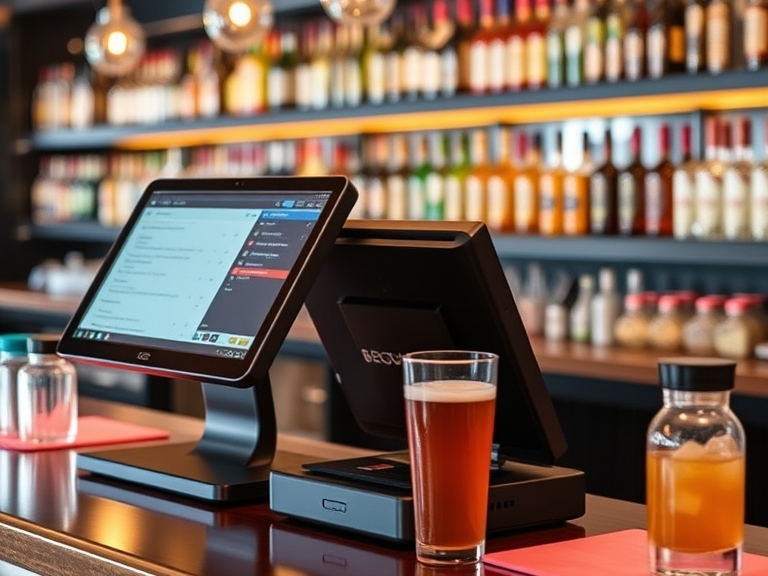
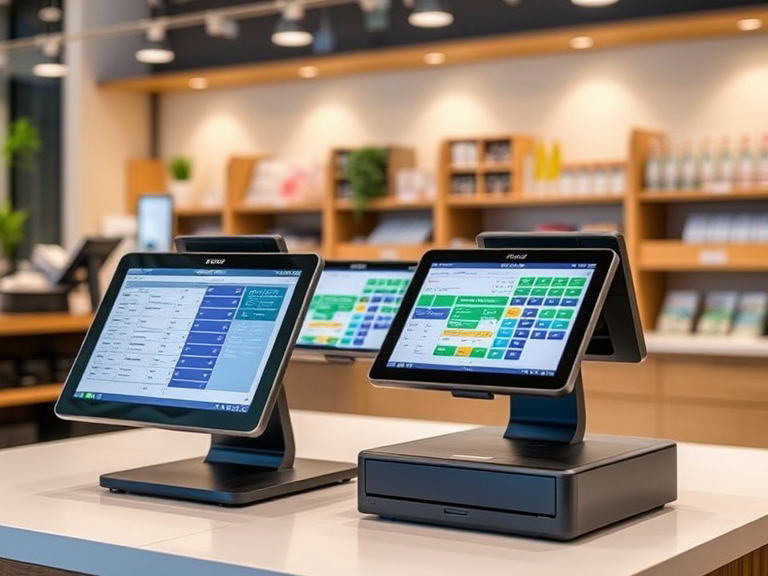
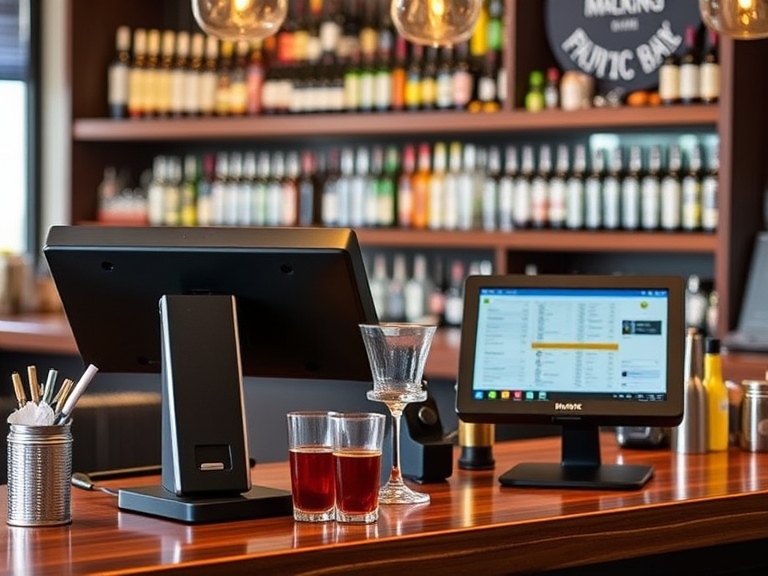
A Point of Sale (POS) system refers to the combination of hardware and software that businesses use to process transactions and manage various aspects of their operations. The hardware can include components such as registers, barcode scanners, receipt printers, and card readers, while the software is responsible for tracking sales, managing inventory, and generating reports.
Why Do Businesses Need a POS System?
- Transaction Processing: A POS system facilitates sales by processing payments through cash, card, or digital wallets, making transactions seamless.
- Inventory Management: POS systems help track stock levels in real-time, ensuring accurate inventory control and minimizing errors.
- Customer Insights: Modern POS systems capture customer data, helping businesses tailor their marketing and services.
- Reporting & Analytics: POS systems generate detailed reports that offer insights into sales, revenue, and performance, aiding in business decisions.
The right POS system can significantly improve operational efficiency, reduce human errors, and help businesses scale.
The Three Main Types of POS Systems
There are three primary types of POS systems: Traditional POS, Mobile POS (mPOS), and Cloud-based POS. Each of these systems offers unique features, advantages, and challenges, depending on your business needs.
1. Traditional POS Systems
What is a Traditional POS System?
Traditional POS systems are typically hardware-based setups that include physical components like a register, barcode scanner, receipt printer, and monitor. These systems operate on local servers, with all data stored on-site, usually within the business premises.
Key Features:
- Physical Hardware: Traditional POS systems rely on various hardware components such as registers, scanners, and printers.
- Software Installation: The software is installed on local machines, with manual updates required.
- Stable Operation: These systems are not dependent on an internet connection, making them more stable during network outages.
Advantages:
- Reliability: Traditional POS systems are well-established and known for their reliability, particularly for businesses that require stable and consistent operations.
- Comprehensive Features: Many traditional systems come with robust features, including advanced reporting, inventory management, and employee tracking.
- Security: With data stored locally, there’s less risk of online breaches compared to cloud-based systems.
Disadvantages:
- High Upfront Costs: Traditional POS systems require a significant initial investment in both hardware and software, making them less affordable for small businesses.
- Limited Mobility: These systems are usually stationary and not ideal for businesses that need flexibility, such as mobile vendors or multi-location stores.
- Maintenance: Ongoing maintenance and software updates are the responsibility of the business, which can add to the cost over time.
Best for:
Traditional POS systems work best for businesses with a fixed location such as retail stores, restaurants, and large chain operations that require a reliable, stable system with advanced features.
2. Mobile POS (mPOS) Systems
What is a Mobile POS System?
A Mobile POS (mPOS) system is a flexible, portable solution that allows businesses to process transactions via smartphones or tablets. It uses mobile devices as a platform to accept payments, manage sales, and track inventory. mPOS systems are often paired with Bluetooth-enabled card readers and other accessories to complete the transaction.
Key Features:
- Portability: Mobile POS systems are compact and portable, allowing businesses to process transactions anywhere.
- Mobile Payment Options: mPOS systems can accept various payment types, including credit cards, debit cards, and digital wallets.
- Cloud Integration: Data is stored in the cloud, enabling access from any internet-enabled device.
Advantages:
- Low Initial Cost: mPOS systems usually have lower upfront costs compared to traditional POS systems, as businesses only need to purchase the necessary mobile hardware (smartphone or tablet).
- Flexibility: These systems are ideal for businesses that require flexibility, such as food trucks, pop-up shops, or service-based businesses.
- Ease of Setup: Mobile POS systems can be set up quickly without complicated installation processes.
Disadvantages:
- Limited Features: While mobile POS systems are growing in functionality, they may not have as many advanced features as traditional POS systems, such as in-depth reporting or inventory management.
- Internet Dependency: Since data is stored in the cloud, a stable internet connection is required for full functionality.
- Security Risks: Mobile devices can be more vulnerable to security breaches if not properly protected.
Best for:
mPOS systems are ideal for small businesses, service providers, mobile vendors, and anyone who needs a flexible, cost-effective solution that allows them to process payments on the go.
3. Cloud-Based POS Systems
What is a Cloud-Based POS System?
Cloud-based POS systems store data on remote servers, accessible via the internet. This system allows businesses to access their POS data from any device with an internet connection, making it highly flexible and scalable. These systems are widely used by businesses with multiple locations or those that require real-time access to sales and inventory data.
Key Features:
- Web-Based Access: Cloud POS systems allow business owners and employees to access data from any internet-enabled device.
- Real-Time Data Syncing: Data is synced across multiple devices, ensuring that business owners always have up-to-date information.
- Automatic Updates: Software updates are handled by the provider, reducing the burden on businesses to manage updates manually.
Advantages:
- Low Initial Investment: Cloud POS systems are typically subscription-based, with lower upfront costs compared to traditional systems.
- Scalability: Cloud-based systems can easily scale as your business grows, whether by adding more locations or integrating new features.
- Remote Management: Business owners can manage operations remotely, making it ideal for businesses with multiple locations or those that require off-site oversight.
Disadvantages:
- Internet Dependency: Cloud-based POS systems are reliant on an internet connection, meaning any internet issues could affect system performance.
- Security Concerns: While cloud systems offer robust security measures, businesses need to ensure they are using a reputable provider and that data is properly encrypted.
- Ongoing Costs: Subscription fees can add up over time, especially for businesses that require additional features or a large volume of users.
Best for:
Cloud-based POS systems are ideal for multi-location businesses, franchises, and e-commerce stores that need centralized control, remote access, and scalability.
How to Choose the Right POS System for Your Business
When deciding which type of POS system is right for your business, consider the following factors:
1. Business Type
- Retail: Traditional or cloud-based POS systems may be ideal for larger retail operations, while mPOS is suitable for smaller businesses or those with mobile sales.
- Food & Beverage: Restaurants can benefit from traditional POS for their fixed locations or mPOS for food trucks and pop-up businesses.
- Service-Based Businesses: Mobile POS offers flexibility for service providers, while cloud-based systems offer the convenience of remote management.
2. Budget Considerations
- Initial Investment: Traditional POS systems tend to require a significant upfront investment, while mPOS and cloud-based systems have lower starting costs.
- Ongoing Costs: Cloud POS systems generally charge subscription fees, whereas traditional POS may only require maintenance and update fees.
3. Scalability
- Consider future growth. Will your POS system scale as your business expands? Cloud-based POS systems offer the best scalability for growing businesses.
Benefits of the Right POS System
Choosing the right POS system can offer numerous benefits, including:
- Increased Efficiency: A POS system reduces transaction times and streamlines inventory management.
- Enhanced Customer Experience: Faster checkouts and personalized offers improve customer satisfaction.
- Better Business Insights: Detailed reports help businesses make data-driven decisions.
- Security: A secure POS system protects sensitive customer data.
Conclusion
Now that we’ve explored the three types of POS systems—Traditional POS, Mobile POS, and Cloud-based POS—you should have a clearer understanding of which option works best for your business.
- Traditional POS systems are perfect for businesses with a fixed location and complex needs.
- Mobile POS is ideal for small, on-the-go businesses that need flexibility and cost-efficiency.
- Cloud-based POS is best for businesses with multiple locations or those requiring remote management.
By considering your business model, budget, and growth plans, you can select the POS system that will support your operations effectively. Whether you need portability, advanced features, or scalability, the right POS solution can help you stay ahead of the competition and meet your business goals.