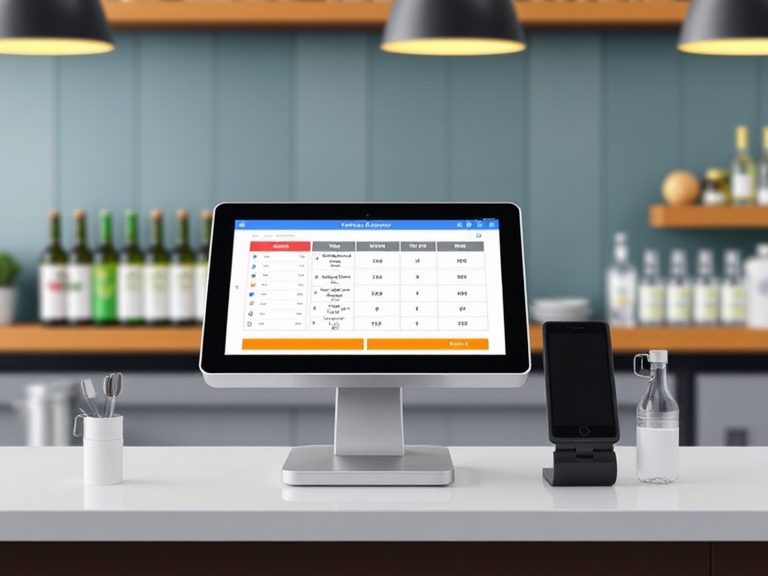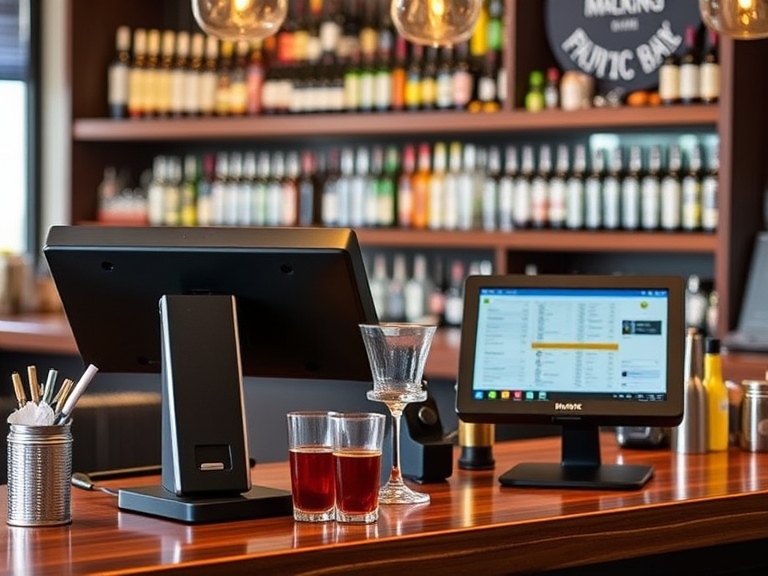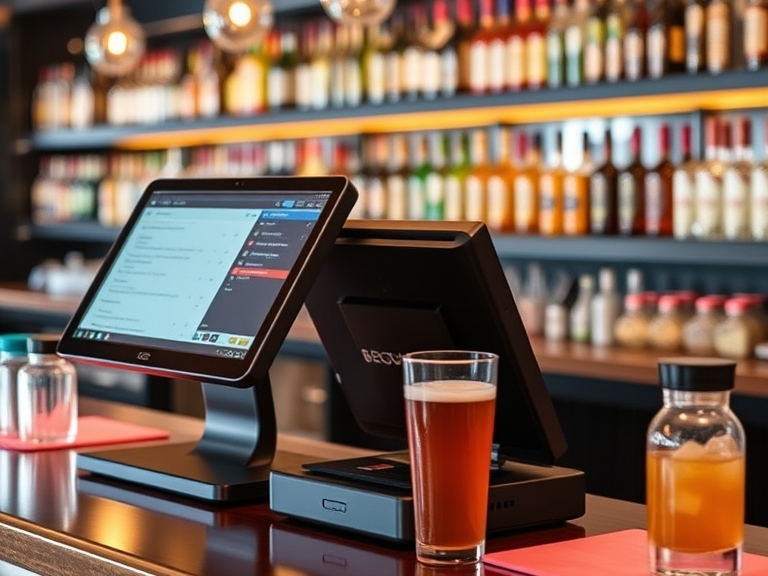
Running a bar involves much more than serving drinks—it requires efficient operations, effective customer service, and streamlined processes. One of the most critical aspects of managing a successful bar is choosing the right Point of Sale (POS) system. With so many options on the market, what is the best POS for bar? In this guide, we will explore the key features to look for in a POS system, review some of the top systems on the market, and offer valuable insights to help you make an informed decision that will drive your bar’s success.
What is a POS System for a Bar?
A POS system for a bar is a combination of hardware and software that allows you to manage sales, track inventory, process payments, and perform other essential business functions. At its core, a POS system facilitates transactions—turning orders into bills and ensuring customers can pay. However, when it comes to running a bar, the best POS system goes beyond just processing payments. It helps with inventory management, staff scheduling, customer relationships, and more.
Why is a POS System Important for Bars?
Bars operate in a fast-paced environment where speed and accuracy are crucial. The best POS systems for bars can help increase efficiency and ensure smooth service during peak hours. Additionally, a well-designed POS can help track sales trends, manage costs, and even improve customer experiences by offering loyalty programs or integrating with mobile payments.
Key Features of the Best POS for a Bar
When selecting the best POS system for your bar, there are several critical features that should be considered. Let’s dive into the core aspects that make a POS system effective for bar operations.
1. Speed and Efficiency
Bar service is fast-paced, and your POS system should match that. A quick order entry system can minimize mistakes and maximize productivity. Features like touchscreen interfaces, pre-programmed drink categories, and quick access to popular drinks are key to ensuring that bartenders can work efficiently without delays.
2. Order Management and Table Tracking
In busy bars, keeping track of orders and tables can get confusing. The best POS systems for bars come with robust table management tools that allow servers to easily assign drinks to specific tables or customers. Some systems also offer split-bill options, allowing customers to divide the check seamlessly.
3. Inventory Management
Effective inventory management is a major pain point for many bar owners. The best POS systems allow bar owners to monitor stock levels in real time, receive automatic inventory alerts, and prevent over-ordering or waste. With an integrated bar inventory system, you can easily track liquor, mixers, and other supplies, ensuring that you never run out of key ingredients during busy hours.
4. Payment Processing Integration
A flexible payment processing system is essential for modern bars. The best POS systems offer the ability to accept multiple forms of payment, including cash, credit/debit cards, and mobile wallets (like Apple Pay and Google Pay). The POS system should also have a secure encryption system to protect customer payment data.
5. Reporting and Analytics
The best POS systems for bars should generate comprehensive reports and analytics to help you monitor sales performance, track profits, and identify areas for improvement. A robust reporting tool can help you assess peak sales times, employee performance, and customer preferences, giving you actionable insights to optimize your bar’s operations.
6. Customer Relationship Management (CRM)
Many of the top POS systems come with CRM integration, allowing bar owners to collect data on customer preferences, purchase history, and contact information. This data can be used to enhance customer service, create loyalty programs, or send promotional offers to keep patrons coming back.
7. Staff Management
Managing staff hours and schedules is crucial for maximizing productivity and minimizing labor costs. The best POS systems offer features like employee time clock management, shift scheduling, and payroll integration, helping you track employee performance and streamline administrative tasks.
Top POS Systems for Bars in 2025
With so many options available, selecting the right POS system can be daunting. Below, we review some of the best POS systems for bars that stand out in terms of features, ease of use, and value.
1. Square for Bars
Square is widely known for its user-friendly interface and flexibility. Square POS for bars provides everything a bartender needs, including order management, inventory tracking, and payment processing. The system is easy to set up and works well for small to medium-sized bars.
- Pros: No monthly fees, mobile payment integration, robust reporting tools.
- Cons: Limited advanced features for large bars.
- Best For: Small to medium-sized bars that need a cost-effective, easy-to-use POS solution.
2. Toast POS
Toast is one of the best POS systems for restaurants and bars, with excellent features designed for high-volume environments. It offers integrated inventory management, real-time reporting, and employee scheduling. The system is also known for its customizability, allowing bars to tailor the software to their specific needs.
- Pros: Highly customizable, excellent customer support, advanced reporting tools.
- Cons: Higher monthly fees, limited hardware options.
- Best For: Larger bars or those looking for a fully integrated restaurant and bar management system.
3. Lightspeed Restaurant POS
Lightspeed is a powerful POS system with advanced features designed for both restaurants and bars. Its inventory management system is particularly strong, and it provides detailed reports that help you optimize both sales and stock. It also integrates with various third-party tools, making it a flexible option for bars that need more functionality.
- Pros: Robust reporting and analytics, easy-to-use interface, multiple integrations.
- Cons: More expensive than other options.
- Best For: Bars with complex operations or chains that need a scalable system.
4. Revel Systems
Revel is a cloud-based POS system that offers powerful features such as mobile ordering, staff management, and inventory tracking. It’s known for being highly customizable and perfect for bars that require a comprehensive management system.
- Pros: Cloud-based system, customizable, integrates with other software.
- Cons: High upfront costs, steeper learning curve.
- Best For: Bars that require a fully integrated, customizable solution with advanced features.
How to Choose the Best POS System for Your Bar
Choosing the best POS system for your bar depends on various factors. Below are some essential considerations to help you make the right decision:
1. Consider Your Bar’s Size and Type
The needs of a small, intimate cocktail bar are vastly different from a large nightclub or a pub. A smaller bar may need a simpler, more affordable POS system with just the basics (order entry, payment processing), while a large bar or nightclub will benefit from a comprehensive POS system with advanced inventory management, CRM integration, and employee scheduling.
2. Ease of Use
A POS system should be intuitive and easy for your staff to use. After all, the goal is to increase efficiency, not add complexity. Look for systems with a clean, touchscreen interface and user-friendly navigation.
3. Integration with Other Tools
Your POS system should integrate seamlessly with other business tools, such as accounting software, loyalty programs, and online ordering platforms. This integration will save you time and prevent the need for manual data entry.
4. Customer Support
Having access to reliable customer support is critical for troubleshooting and resolving any issues that arise. Make sure your POS provider offers 24/7 support and has a strong reputation for customer service.
5. Security Features
Protecting your customers’ payment data is a top priority. Choose a POS system that complies with Payment Card Industry Data Security Standard (PCI DSS) and offers encryption for secure transactions.
6. Scalability
As your bar grows, your POS system should grow with it. Choose a system that can handle increased sales volume, add new features, and scale as needed to meet your bar’s changing demands.
Benefits of Using a POS System for a Bar
1. Improved Efficiency
A POS system speeds up the checkout process, allowing your bartenders to serve more customers in less time, especially during busy periods.
2. Better Inventory Management
By tracking inventory in real-time, a POS system helps you avoid running out of stock, reduce waste, and optimize your ordering process.
3. Enhanced Customer Experience
A fast and efficient POS system ensures a smoother, faster service, which leads to higher customer satisfaction and increased tips.
4. Detailed Analytics and Reporting
Access to detailed sales reports allows you to monitor your bar’s performance, track popular drinks, and identify patterns that help you make data-driven decisions.
Common POS System Mistakes to Avoid for Bars
1. Choosing a System with Limited Features
Don’t settle for a basic POS system if your bar has complex needs. Look for a system with enough features to support all your bar’s operations.
2. Neglecting Integration Needs
Ensure that the POS system integrates well with other software tools you use, such as accounting programs and CRM platforms.
3. Underestimating Training Needs
Proper training is essential. Ensure your staff is trained on the system before launch to avoid mistakes and delays.
Conclusion
Choosing the best POS for your bar is an important decision that can greatly impact your bar’s efficiency and profitability. With the right POS system, you’ll streamline operations, reduce waste, improve customer satisfaction, and gain valuable insights that will help your business grow. Consider your bar’s size, features, and budget when selecting a POS system, and remember that the right system will not only improve your bottom line but also enhance the overall experience for both your staff and customers.
FAQs
- What’s the best POS for a small bar?
- Square POS is great for smaller bars due to its affordability and ease of use.
- Can a POS system handle inventory tracking in a bar?
- Yes, many POS systems, like Toast POS and Lightspeed, offer excellent inventory management features for bars.
- How do I set up a POS system for my bar?
- Most POS systems offer easy setup and installation guides. Contact the system provider for support or look for free tutorials.
- What is the average cost of a POS system for a bar?
- Costs vary based on the system and its features, but expect to pay between $50 to $200 per month for a subscription-based POS system.
- How long does it take to implement a POS system?
- Implementation can take anywhere from a few days to a couple of weeks, depending on the system’s complexity and your bar’s needs.