Running a bar gets hectic fast. Drinks are flying, tabs pile up, customers wave you down, and your team is trying to keep things in order. In all that action, the last thing you want is a system that slows you down. That’s why more bar owners are switching to wireless POS systems. Not only do they speed things up, but they also cut the mess and give staff room to move.
Let’s break down everything you need to know—in plain language. We’re keeping it simple, practical, and focused on what actually matters inside a working bar.
What Is a Wireless Bar POS System?
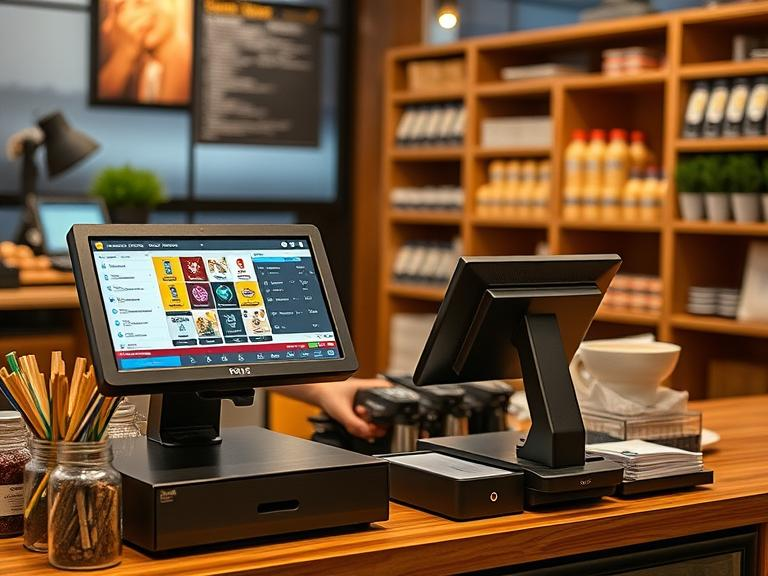
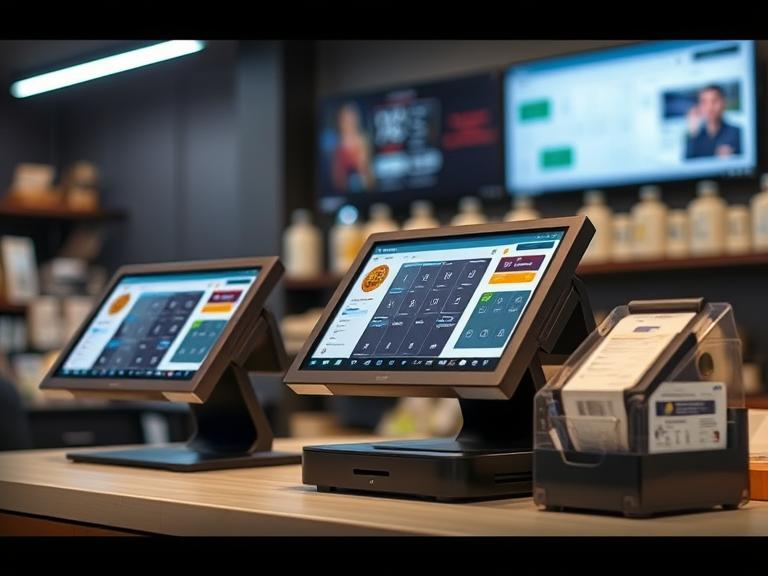
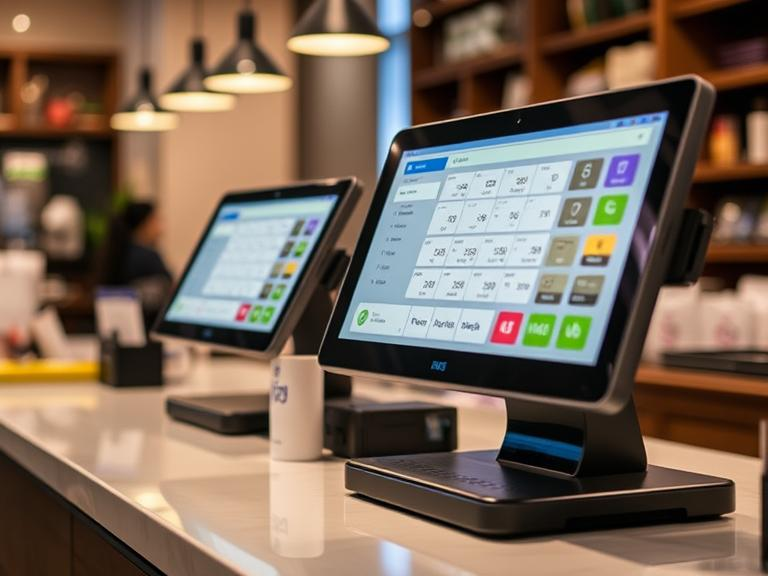
Think of it like a digital cash register you can hold in your hand. It takes orders, sends them to the bar or kitchen, keeps track of tabs, accepts payments, and keeps things moving.
Unlike older systems tied to a single counter, wireless POS setups work using tablets, handheld devices, and internet connections. Everything updates in real time, and you can use them from anywhere in your bar—even the patio.
How It Works Inside a Bar
You don’t need wires running everywhere. Instead, you use Wi-Fi or cellular signals to connect your tablets and card readers. Bartenders or servers take orders using handheld devices, and those orders get sent right to the screen at the bar or kitchen. Payments can be handled on the spot. No need to walk back and forth.
Some bars use just one tablet at the bar. Others use a mix of tablets, iPads, and small printers. It all depends on your size and needs.
Must-Have Features for a Bar POS System
Not every POS system fits a bar. You need tools that work fast and don’t get in the way. Here’s what to look for:
- Fast order entry: The system should let you add drinks with a few taps.
- Wireless ordering: Staff should be able to move and take orders anywhere.
- Contactless payments: Customers tap their phones or cards and go.
- Tab management: You should be able to open, hold, and split tabs quickly.
- Real-time inventory: When you’re running low on a bottle, the system should show it.
- Offline mode: The system should still work if Wi-Fi drops.
- Easy staff logins: Each team member should have their own access.
- Kitchen or bar display screen: Orders show up instantly without paper tickets.
Why Bars Are Going Wireless
Wires get in the way. Older systems take up space, make moving around harder, and slow down service. A wireless setup keeps things flexible. Here are some clear benefits:
- Faster service: Staff don’t need to run back and forth.
- Cleaner counters: No bulky terminals or tangled cords.
- Less waiting: Orders hit the bar right away.
- Simple training: New team members pick it up quickly.
- Better for outdoor areas: Take orders on the patio or at events.
You don’t need to be tech-savvy to use one. Once it’s set up, it works like a smartphone or tablet.
Best Wireless POS Systems for Bars in 2025
Let’s go over some of the top picks. Each has its own strengths. What works best for you depends on your budget and how your bar operates.
1. Toast POS
- Built for restaurants and bars
- Handles split tabs easily
- Works well with handheld devices
- Offline mode included
- Pricing: Starts at around $69/month per terminal
2. Square for Restaurants
- Free plan available
- Works on iPads and smartphones
- Great for smaller bars or pop-up bars
- Takes all payment types
- Simple setup
3. Lightspeed POS
- Ideal for bars with multiple locations
- Strong reporting tools
- Built-in loyalty and gift card support
- Higher cost, but more features
4. TouchBistro
- Local mode works without internet
- Good for small to mid-sized bars
- Easy to use with iPads
- Built-in tools for staff and inventory
Gear You’ll Need
A wireless POS system doesn’t mean zero hardware. Here are the basic tools:
- Tablet or iPad for staff
- Wi-Fi router or mobile hotspot
- Bluetooth or wireless receipt printer
- Card reader that handles tap payments
- Kitchen display screen (optional)
Most POS providers sell their own gear, or you can buy what works best for your budget.
Setting It Up in Your Bar
Getting started is easier than you think. Here’s a quick setup plan:
- Pick a POS system that fits your needs
- Choose your hardware (tablet, printer, reader)
- Install the POS app and sign in
- Add your menu items with prices and options
- Set up user logins for staff
- Test it during slow hours
- Go live during regular service
Make sure Wi-Fi works in all corners of your bar. A mesh router can help if you’ve got dead zones.
What It Costs
Let’s break down the main costs:
- POS software: $0–$200/month depending on the provider
- Hardware: $500–$2,000 one-time (tablets, printers, readers)
- Add-ons: Loyalty programs, marketing tools, delivery support, etc.
Some companies charge per terminal, others per location. Check the fine print.
Final Thoughts
A wireless POS system isn’t just for fancy cocktail lounges. Even small corner pubs and dive bars can benefit from faster service, better tab tracking, and less mess behind the bar.
You don’t need to spend a fortune or be a tech expert. What you do need is a system that works the way your bar runs. Simple, quick, and built for real-world use.
FAQs
Do I need Wi-Fi all the time?
Not always. Some systems keep working without it and sync later.
Can I use my own iPad or tablet?
Yes, but make sure it meets the software’s tech requirements.
Is it safe for payments?
Most use bank-grade security and follow strict rules. Still, always use strong passwords.
What happens if it breaks?
Most POS providers offer support or backup modes so you’re not left stuck.
Can I use it outdoors?
Yes—as long as you have a solid Wi-Fi or mobile connection.
📢 Want Help Picking the Right System?
Don’t waste time guessing. We’ve created a free comparison guide that breaks down the top bar POS systems side by side. Contact us to get the guide and find the best fit for your bar in minutes.