Running a business means juggling a lot at once—sales, customers, stock, staff, and money. Some days feel like a race from open to close. If anything slips through the cracks, it costs time, money, or both.
That’s where a POS system steps in. Not as some high-tech miracle, but as a tool that takes weight off your shoulders and puts you in control. Let’s break down how.
What Is a POS System?
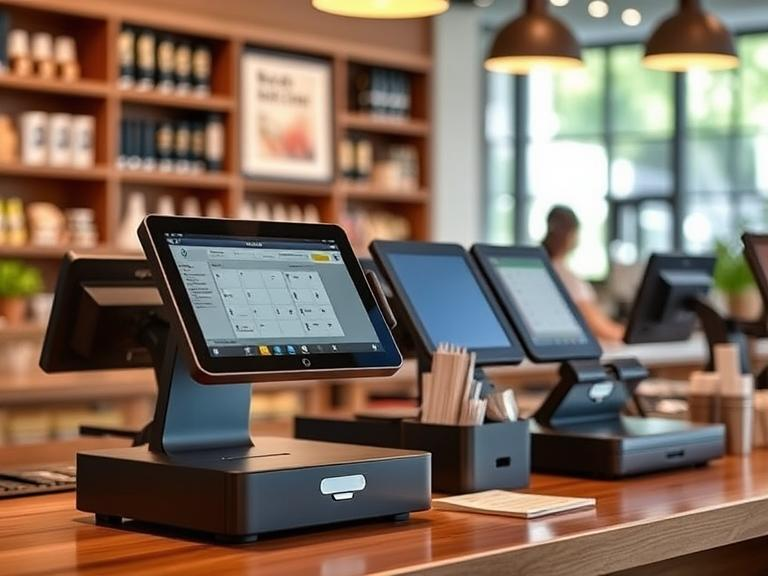
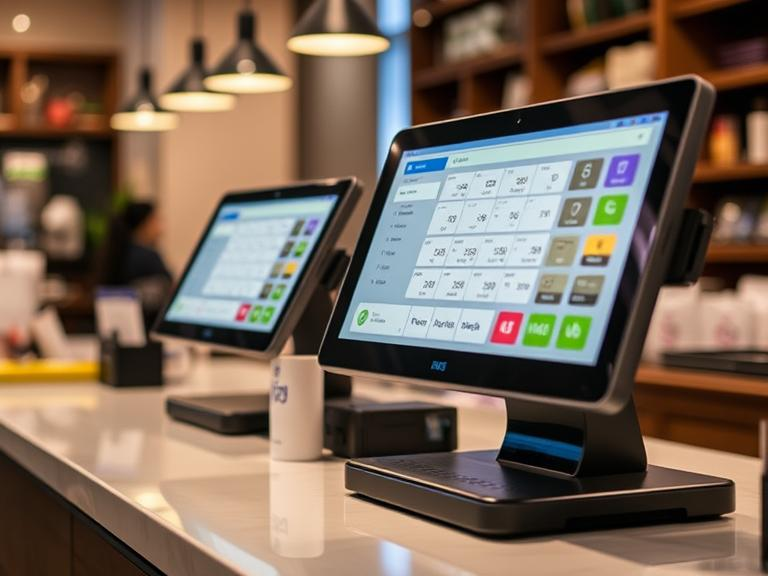
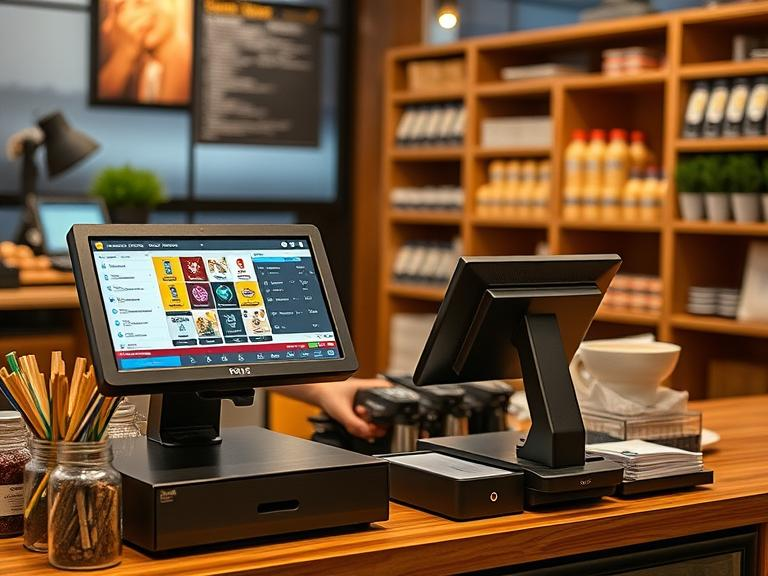
A POS system (short for “point of sale”) is what you use when someone buys something. But it’s more than just a cash register.
At its core, it includes:
- A screen to ring up items
- A way to take card or phone payments
- A printer (or email option) for receipts
- Software to track each sale, time, and product
But that’s just the outside. The real power is what it helps you see and do once the sale is done.
Faster Lines, More Sales
Picture this: It’s the lunch rush. You’ve got a line of customers. Someone’s card won’t swipe. Another wants to split a bill. One wants to use a gift card.
If you’re using a slow system or punching in prices by hand, things get messy—fast.
With a good POS, checkouts move quick. Prices are already saved, items scan in seconds, and payment options are ready to go. Tap, swipe, chip—whatever works.
That means more people served and less time wasted. And when customers don’t have to wait long, they’re more likely to come back.
You Know What You Have—and What’s Gone
Guesswork and inventory don’t mix.
If you don’t know what’s in the back, you could run out of your best seller on a Saturday or buy more of something that never sells.
A POS system keeps track for you. As soon as something is sold, it’s marked as gone. You’ll know exactly what’s left—no need to count by hand or double-check a spreadsheet.
Need to reorder? You’ll know what’s running low before it turns into a problem.
Say Goodbye to Pricing Errors
We all mess up sometimes—especially when things get busy. One wrong number at checkout can throw off the books or leave a customer feeling shortchanged.
With a POS system, prices are already set. You scan or tap an item, and it rings up right every time. Sales, specials, and tax are all handled automatically.
That keeps things fair and clean, for both you and your customer.
Real-Time Reports Without the Headaches
Want to know how you did today? This week? Which item sold best? Who rang up the most sales?
Instead of sorting through papers or guessing, your POS system shows it all.
You can check:
- Daily or weekly sales totals
- Most popular products
- Times when sales spike
- Who sold what and when
These reports don’t just give numbers—they help you make better calls about staff, stock, and hours.
Less Time Training New Workers
Teaching someone new can take a while—especially if your setup is clunky or old.
Modern POS systems are built to be simple. New staff can learn fast. The buttons are clear. The process is easy to follow. No memorizing prices or fumbling with calculators.
Less confusion on day one means fewer mistakes on day two.
Helps You See the Bigger Picture
Some business owners think they’re too small to “need” a POS. But here’s the truth—small shops are the ones that benefit the most.
A POS helps answer questions like:
- What items do customers really want?
- What time of day is the busiest?
- Which days are slow, and why?
- What’s sitting on shelves too long?
Once you start looking at the data, patterns appear. You’ll make smarter choices, and you won’t be flying blind.
Keep Track of Staff Without Micromanaging
Want to know who’s doing well? A POS system can track that.
You’ll see who’s logging in, who’s making sales, and who’s getting stuck. That helps you reward good work and catch issues early.
It’s not about spying—it’s about fairness and keeping things running smoothly.
Customers Remember How Easy You Made It
It’s not just what you sell—it’s how you sell it.
When someone walks in, buys something, and walks out in under two minutes, they remember that. They also remember if your system glitched, froze, or made checkout awkward.
Some POS setups let you save customer info (with permission). You can send a receipt by email, keep track of what they bought, and even offer points or rewards later.
That’s how you turn a one-time shopper into a regular.
Helps You Breathe During Tax Time
No one enjoys sorting through a box of receipts when tax season rolls around.
With a POS system, every sale is logged and every tax collected is stored. You can pull the report in minutes and hand it off to whoever does your taxes.
Less stress. Fewer mistakes. No panic.
You Can Check In, Even If You’re Not There
Most POS tools now let you log in from your phone or computer. You don’t have to be at the store to know what’s going on.
You can see:
- How much you’ve sold today
- What’s low on stock
- Who’s clocked in
- How sales compare to last week
That kind of access gives you freedom—whether you’re running errands or taking a well-earned break.
Real Businesses, Real Wins
A Corner Coffee Shop
They switched from a cash-only box to a POS system with a tablet. Wait times dropped. Tips went up. Customers could pay however they wanted. Easy change, big difference.
A Tiny Bookstore
Keeping track of hundreds of titles used to be a nightmare. Now, their POS shows what’s in stock, what’s selling, and what to reorder—right on the screen.
A Food Truck
They used to handwrite every order. Things got messy fast. A POS made orders clear, cut down on mistakes, and let them take cards at the window. No more “cash only” signs turning folks away.
Small Cost, Big Payoff
Yes, a POS system costs money. But what it saves is worth more.
You’re saving on:
- Lost sales from slow checkout
- Extra stock you didn’t need
- Time spent fixing errors
- Training time
- Tax prep
That’s time and money you can use somewhere else.
You Can Start Small
You don’t need a full setup with bells and whistles. Many businesses start with just a phone or tablet and a simple card reader.
As your business grows, you can add features, link it with other tools, or expand to more locations—all with the same system.
Final Thoughts
A POS system isn’t about being fancy. It’s about making things easier.
It helps you:
- Check people out faster
- Avoid mistakes
- See what’s working
- Make better calls
- Save time
- And stress less
A POS system doesn’t just ring up sales. It helps the whole business run better—from the front counter to the back office. It saves time, reduces errors, improves service, and helps you make smart decisions based on real data.
Whether you’re just starting out or already running a busy store, a POS system gives you the support to focus on what matters: serving customers and growing your business.
FAQs
1. What is a POS system?
A POS (Point of Sale) system is a tool that helps businesses process sales, manage inventory, and track customer data.
2. How does a POS system help my business?
It saves time, reduces human errors, improves customer service, and provides useful data to make smarter business decisions.
3. Is a POS system only for big businesses?
No! Whether you’re just starting out or running a busy store, a POS system can benefit businesses of all sizes.
4. Can a POS system help with inventory management?
Yes, it can track stock levels in real-time and alert you when it’s time to reorder, preventing overstock or stockouts.
5. Will a POS system make my staff more efficient?
Absolutely. It speeds up checkout, reduces mistakes, and lets your team focus more on serving customers.