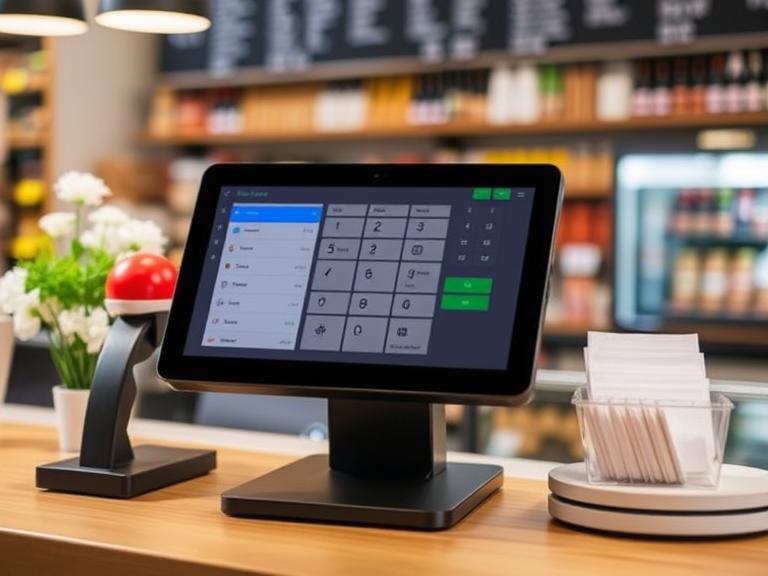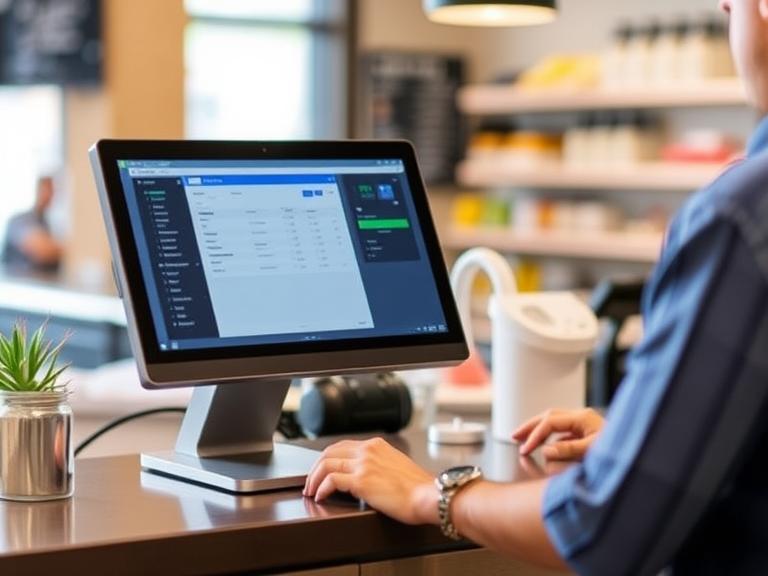
Running a bar, restaurant, or food truck is hard work. You’ve got customers to serve, orders to take, and payments to process. But what happens when your point-of-sale (POS) system stops working? Maybe the internet goes out, and your whole operation grinds to a halt. Customers get frustrated, you lose sales, and your reputation takes a hit. Nobody wants that! Luckily, Bartender POS has a special feature called offline mode that keeps your business running even when the internet fails.
Today, we’ll explain how to avoid POS downtime, cause POS downtime is a very big problem, and how Bartender POS’s offline mode saves the day, and why it’s perfect for businesses like yours. Ready to learn how to keep your business humming? Let’s go!
Why POS Downtime Hurts Your Business
Picture this: It’s a busy Saturday night at your bar. The place is packed, and everyone’s ordering drinks. Suddenly, your POS system crashes because the Wi-Fi goes out. Your bartenders can’t ring up orders, customers are waiting, and some even leave without paying. That’s what POS downtime does—it stops your business in its tracks.
Downtime doesn’t just mean lost sales. It can make customers mad, and they might leave bad reviews online. Those reviews can scare away new customers. Plus, if your POS is down a lot, people might think your business isn’t reliable. According to a study by Statista, businesses can lose thousands of dollars every hour their systems are down. For small businesses like bars or cafes, that’s a huge problem. The good news? Bartender POS’s offline mode can fix this. Want to know how? Keep reading!
What Is Bartender POS’s Offline Mode?
Bartender POS’s offline mode is like a backup plan for your business. It lets your POS system keep working even if the internet goes out. How does it do that? It saves all your important stuff—like orders, payments, and inventory—right on your device, like a tablet or computer. When the internet comes back, everything gets sent to the cloud so your records stay up to date. It’s like writing notes in a notebook when your phone dies, then copying them to your computer later.
For example, imagine you’re running a busy bar. The Wi-Fi stops working, but with Bartender POS, your bartenders can still take orders and process payments. Customers don’t notice anything wrong, and you don’t lose money. The system is built for bars, so it’s fast and easy to use, even when things get crazy. Other POS systems might not handle this as well, but Bartender POS makes it simple.
Why Offline Mode Is a Big Deal for Your Business
Why should you care about offline mode? Because it keeps your business going no matter what. Here’s why it’s so awesome:
- Works Without Internet: If your Wi-Fi crashes or you’re in a spot with bad internet, offline mode lets you keep selling. This is great for rural bars or cafes with shaky connections.
- Perfect for Mobile Businesses: Got a food truck or a pop-up bar at a festival? Offline mode means you can take orders anywhere, even without Wi-Fi.
- Keeps Customers Happy: Nobody likes waiting. Offline mode lets your staff work fast, so customers get their food or drinks quickly.
- Saves You Money: When your POS is down, you lose sales. Offline mode keeps the cash flowing, even during internet outages.
Picture a food truck at a big outdoor event. The internet is spotty, but with Bartender POS’s offline mode, the truck keeps serving burgers and drinks without a hitch. Customers stay happy, and the owner doesn’t miss out on sales. That’s the kind of dependability every business needs.
How to Avoid POS Downtime with Bartender POS’s Offline Mode
So, how does Bartender POS keep your business running when the internet fails? It’s super simple. Here’s the step-by-step:
- Switches to Offline Mode Fast: The second the internet goes out, Bartender POS flips to offline mode. Your staff doesn’t need to press any buttons—it just happens.
- Saves Data on Your Device: Orders, payments, and inventory get stored right on your tablet or computer. Everything stays safe until the internet is back.
- Takes Payments Offline: You can still accept swiped credit cards and other basic payments, so customers can pay without waiting.
- Syncs Up Later: When the internet returns, all the saved data gets sent to the cloud. Nothing gets lost, and your records are perfect.
Unlike some other systems, like Square, which limits offline payments to $100 per transaction unless you change settings, Bartender POS is built to handle busy bar transactions with no fuss. It’s like having a trusty sidekick that keeps your business going, no matter what.
Cool Features of Bartender POS’s Offline Mode
Bartender POS’s offline mode isn’t just about keeping things running—it’s packed with features that make it awesome for bars and restaurants. Here’s what makes it special:
- Super Fast Switching: The system jumps to offline mode in seconds, so there’s no delay for your staff or customers.
- Safe Data Storage: All your data, like payment details, is kept secure on your device. You don’t have to worry about losing anything.
- Works with Lots of Payments: Even offline, you can accept swiped cards and other basic payments, keeping your business moving.
- Easy to Use: The screen is simple, so bartenders can focus on making drinks, not figuring out a tricky system.
These features make Bartender POS a top pick for bars that need a system they can count on, even during a busy night.
Common Reasons Your POS Might Go Down (And How Bartender POS Fixes Them)
POS systems can stop working for a few reasons, but Bartender POS has answers for all of them. Let’s check out the most common problems and how Bartender POS solves them:
- Internet Goes Out: Weak Wi-Fi or complete outages can stop your POS.
- Fix: Bartender POS’s offline mode kicks in automatically, letting you keep working without internet.
- Broken Hardware: Things like printers or touchscreens can break.
- Fix: Bartender POS works with reliable hardware, like the BTP-681 printer, to keep things running smoothly.
- Software Problems: Glitches or old software can cause crashes.
- Fix: Bartender POS gets regular updates to stay fast and dependable.
For example, imagine your bar’s Wi-Fi goes down during a big game night. With Bartender POS, your staff can keep taking orders and payments without missing a beat. Other systems might leave you stuck, but Bartender POS keeps you in control.
Best Practices for Using Bartender POS’s Offline Mode
Want to get the most out of Bartender POS’s offline mode? Here are some easy tips to make sure it works perfectly:
- Update Your Software: Keep your POS system up to date so offline mode runs smoothly.
- Train Your Staff: Teach your team how to use offline mode. It’s easy, but a quick practice helps them stay confident.
- Have a Backup Plan: Use a Wi-Fi booster or a mobile hotspot as an extra layer of protection.
- Back Up Data: Save your data regularly to avoid problems if the internet is out for a long time.
These steps are simple but make a big difference. For example, a coffee shop that trains its staff on offline mode can keep serving customers during a storm when the internet fails. It’s all about being prepared.
How Bartender POS Compares to Other POS Systems
Not all POS systems handle offline mode the same way. Let’s see how Bartender POS stacks up against others like Square, ConnectPOS, and Lightspeed:
| Feature | Bartender POS | Square | ConnectPOS | Lightspeed |
|---|---|---|---|---|
| Offline Mode | Fast, automatic, bar-friendly | Limited to $100 per transaction (adjustable) | Strong but not bar-specific | Good but complex setup |
| Ease of Use | Simple for bartenders | Easy but less tailored for bars | Moderate, more for retail | Takes more training |
| Payment Types Offline | Swiped cards and more | Limited payment options offline | Good payment support | Decent but slower syncing |
| Bar-Specific Features | Built for bars and restaurants | General use, not bar-focused | Retail-focused | Restaurant-focused but complex |
Bartender POS shines for bars because it’s designed for their fast-paced needs. Square is great for small shops but struggles with high-volume bar transactions. ConnectPOS works well for retail but isn’t as bar-friendly. Lightspeed is powerful but takes more work to set up. If you run a bar or restaurant, Bartender POS is the clear winner.
How POS Downtime Affects Your Online Reputation
Did you know POS downtime can hurt how your business looks online? When your POS crashes, customers wait longer, and some might get upset. They could leave bad reviews on sites like Yelp or Google, saying things like, “Service was slow!” or “They couldn’t take my order!” Those reviews make it harder for new customers to find you on Google, especially for local searches like “best bar near me.” According to StatusCake, downtime can lower your search rankings because it affects customer trust.
With Bartender POS’s offline mode, you avoid these problems. Your staff can keep taking orders, so customers stay happy and leave good reviews. Good reviews help your business show up higher on Google, bringing in more customers. It’s a win-win!
Keep Your Business Running with Bartender POS
POS downtime is a headache no business owner wants. It costs you money, frustrates customers, and can hurt your online reputation. But with Bartender POS’s offline mode, you don’t have to worry. It keeps your bar, restaurant, or food truck running smoothly, even when the internet goes out. From saving data locally to processing payments offline, Bartender POS is built to handle the fast-paced world of bars and restaurants. Plus, it’s easy to use and packed with features that make your life easier.
Ready to say goodbye to POS downtime? Check out Bartender POS today and see how it can keep your business moving. Visit Bartender POS to request a demo or explore pricing. Don’t let a Wi-Fi outage ruin your night—get Bartender POS and keep the drinks flowing!
FAQs
Got questions about Bartender POS’s offline mode? Here are answers to some common ones:
What happens to my orders when I’m in offline mode?
Your orders are saved on your device, like a tablet or computer. When the internet comes back, they get sent to the cloud, so nothing is lost.
Can I take credit card payments offline?
Yes! Bartender POS lets you process swiped credit cards offline, so you can keep taking payments.
How does Bartender POS compare to Square for offline mode?
Bartender POS switches to offline mode faster and handles more payment types than Square, which limits offline payments to $100 per transaction unless you change settings.
How do I set up offline mode on Bartender POS?
It’s automatic! When the internet goes out, Bartender POS switches to offline mode without any setup. Just keep your software updated for the best results.