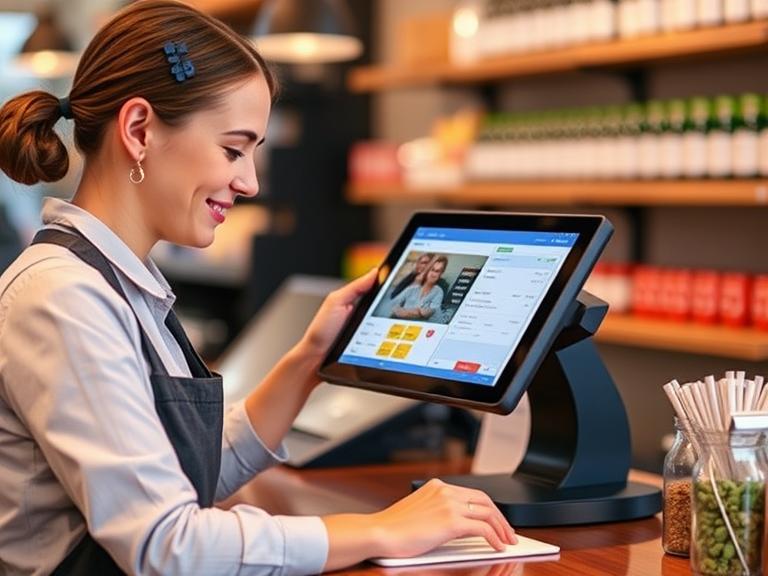
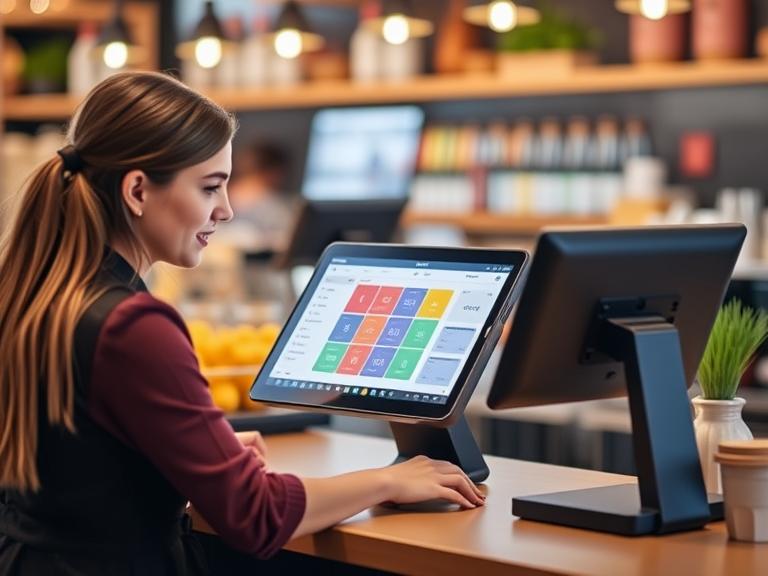
Picture a customer walking into your store, grabbing a few items, and heading to the counter. In seconds, they tap their phone to pay, you know exactly what’s left in stock, and they get a thank-you email with a coupon for next time. Sounds amazing, right? That’s the power of a point of sale (POS) system in 2025. As technology speeds up, businesses need tools to stay ahead. A POS system is one of those must-have tools. This article explains why your business needs one, what features to look for, and how to pick the right system. Let’s get started!
What is a POS System?
A POS system is like a super-smart cash register. It’s a mix of tools (like a tablet or card reader) and a computer program that helps you take payments, track sales, and run your business smoothly. It does way more than just hold money—it’s like having a helper who never forgets anything.
What Does a POS System Do?
At its heart, a POS system handles payments. Customers can use cash, cards, or even their phones to pay. But that’s just the start. It also keeps track of what you sell, updates your inventory, and shows you what’s popular with customers. Unlike old cash registers, today’s POS systems often work online, so you can check your sales from anywhere—your shop, your home, or even the beach! A 2024 report from Statista says businesses with POS systems save up to 30% of the time it takes to check out customers.
Types of POS Systems
Not every POS system looks the same. Here are the main kinds:
- Mobile POS: These are portable, like Square or Shopify POS. They’re great for food trucks, farmers’ markets, or small pop-up shops.
- Terminal POS: These are bigger machines, like Clover or Toast, often used in restaurants or large stores.
- Cloud vs. On-Premise: Cloud systems store data online, so you can access it anywhere. On-premise systems keep everything on a computer in your store. Cloud is more popular in 2025 because it’s easy to update and use.
Who Uses POS Systems?
Almost any business can use a POS system. Retail shops track clothes or gadgets. Restaurants manage orders and tips. Even doctors’ offices or hair salons use them to book appointments and take payments. If you sell something, a POS system makes your life easier.
Why Your Business Needs a POS System in 2025
Running a business without a POS system in 2025 is like trying to run a race in flip-flops. Here’s why you need one to win.
Faster Operations
Time is money. Customers hate waiting in line, and you don’t want to spend hours on boring tasks like counting inventory. A POS system makes everything quicker. It handles payments fast, especially with contactless options like Apple Pay or Google Wallet. When you sell something, it updates your stock automatically, so you always know what you have. For example, a coffee shop using a POS system can serve customers 20% faster, according to a 2024 study by Gartner. That means more sales and less stress.
Happier Customers
Want customers to love your business? A POS system helps. It saves customer info, like their favorite items or birthdays, so you can send them special deals. Imagine offering a free cupcake to a customer on their birthday—they’ll feel special! Many systems also let you set up loyalty programs, like “buy 10 smoothies, get one free.” Faster checkouts, personal touches, and easy returns keep customers smiling. Happy customers come back, and that’s good for your wallet.
Smarter Decisions with Data
Ever wonder what your top-selling product is? Or when your store gets busiest? A POS system gives you answers. It collects info on every sale, showing what’s selling and what’s not. You can see if hoodies sell better than hats or if mornings are busier than afternoons. This helps you decide what to stock, when to hold sales, or how many workers you need. For instance, if your POS shows Saturday afternoons are crazy busy, you can schedule extra staff. Data turns guesses into smart choices.
Growing Your Business
Whether you run one small shop or plan to open more, a POS system grows with you. Many systems let you manage multiple stores from one place. They also connect with online shops, so your in-store and online sales work together. For example, if you sell candles in your store and on your website, a POS system keeps track of everything in one place. This makes it easier to expand without losing control.
Keeping Payments Safe
Nobody wants to worry about stolen credit card info. A POS system keeps payments secure with special technology that protects customer data. It also follows rules like PCI compliance, which makes sure payments are safe. In 2025, with more people paying by phone or even cryptocurrency, a good POS system keeps your business and customers protected.
Key POS System Features to Look for in 2025
Not all POS systems are equal. Here are the top features to look for in 2025 to make your business shine.
AI-Powered Analytics
Artificial intelligence (AI) is like a crystal ball for your business. Some POS systems use AI to predict what customers will buy or when you’ll run out of stock. For example, if your POS notices that you sell more ice cream in summer, it can warn you to order extra. This helps you plan better and sell more.
Connecting Online and In-Store Sales
In 2025, customers shop both in stores and online. A good POS system connects the two, so your inventory stays accurate whether someone buys a shirt in your shop or on your website. This also helps you offer things like “buy online, pick up in store,” which customers love.
Mobile and Contactless Payments
More people will pay with phones or watches in 2025. A POS system should handle Apple Pay, Google Wallet, and even new payment types like cryptocurrency. Contactless payments are fast and safe, making checkouts a breeze. A 2024 Square report said 60% of customers prefer contactless payments—don’t miss out!
Cloud-Based Access
Cloud-based POS systems let you check your sales or update your inventory from anywhere with internet. Forgot how many T-shirts you have in stock while at home? Just log in and check. This flexibility is a game-changer for busy business owners.
Custom Dashboards
Every business is different. A retail store needs different tools from a restaurant. Look for a POS system that lets you customize what you see on the screen. For example, a restaurant might want quick buttons for menu items, while a clothing store might need space to track sizes and colors.
| Feature | Why It Matters |
|---|---|
| AI Analytics | Predicts sales and stock needs, helping you plan smarter. |
| Omnichannel Integration | Let you manage your business from anywhere, anytime. |
| Contactless Payments | Speeds up checkouts and meets customer demand for phone payments. |
| Cloud Access | Lets you manage your business from anywhere, anytime. |
| Custom Dashboards | Makes the system work for your specific business needs. |
Industry-Specific Benefits of POS Systems
Different businesses use POS systems in unique ways. Here’s how they help specific industries.
Retail
Retail stores, like clothing or electronics shops, use POS systems to track inventory and sales. They can see which items sell fast and reorder them before running out. Loyalty programs encourage customers to keep coming back. For example, a shoe store might use a POS to offer discounts to repeat buyers, boosting sales by 15%, according to a 2024 RetailDive study.
Restaurants and Hospitality
Restaurants rely on POS systems to manage orders, tips, and tables. A waiter can send an order to the kitchen with one tap, and the system tracks tips automatically. Some systems even connect to online ordering apps, so customers can order takeout from your website. Toast, a popular restaurant POS, helped one diner cut order errors by 25%.
E-Commerce
If you sell online, a POS system connects your website to your physical store. It tracks inventory across both, so you don’t accidentally sell something that’s out of stock. It can also help recover “abandoned carts” by sending reminders to customers who left items in their online cart.
Service Businesses
Salons, gyms, or repair shops use POS systems to book appointments and take payments. For example, a hair salon can schedule clients, track their visit history, and send reminders for their next haircut. This keeps customers coming back regularly.
The Future of POS Systems in 2025 and Beyond
POS systems are getting smarter every year. Here’s what’s coming in 2025 and why it matters.
AI and Machine Learning
AI isn’t just for big tech companies. In 2025, POS systems will use AI to suggest products to customers based on what they’ve bought before. They can also predict busy times or low stock, helping you stay prepared. Imagine your POS telling you to order more coffee beans before you run out—that’s the future!
Eco-Friendly Options
Customers care about the planet, and so should you. Many POS systems in 2025 offer paperless receipts sent by email or text. Some even use energy-saving hardware to cut down on power use. This shows customers you’re doing your part for the environment.
Smart Devices and IoT
The Internet of Things (IoT) connects devices like smart shelves that alert you when stock is low. Some POS systems in 2025 might even work with virtual reality (VR) to let customers “try on” clothes virtually. These tools make shopping fun and keep your business cutting-edge.
| Trend | What It Means |
|---|---|
| AI and Machine Learning | Smarter predictions for sales, stock, and customer preferences. |
| Eco-Friendly Options | Paperless receipts and energy-saving tools show you care about the planet. |
| IoT and Smart Devices | Connects your POS to smart shelves or VR for a modern shopping experience. |
How to Choose the Right POS System for Your Business in 2025
Picking a POS system can feel overwhelming, but it’s easier if you follow these steps.
Know Your Business Needs
Think about your business size and type. A small coffee shop might need a simple mobile POS like Square, while a big restaurant might want Toast for table management. Consider your budget too—some systems cost $50 a month, while others are pricier but offer more features.
Check Key Features
Make a list of what you need. Do you want contactless payments? Online store integration? AI analytics? Compare systems to see which ones have your must-haves. For example, Shopify POS is great for e-commerce, while Clover works well for retail.
Look at Scalability and Support
Choose a system that can grow with your business. If you plan to open more stores, pick one that handles multiple locations. Also, check the company’s customer support. Can you call them if something goes wrong? Good support saves headaches.
| POS System | Best For | Key Features | Starting Cost |
|---|---|---|---|
| Square | Small businesses | Mobile payments, easy setup | Free (fees per transaction) |
| Shopify POS | E-commerce + retail | Online store sync, inventory tracking | $29/month |
| Toast | Restaurants | Table management, online ordering | $69/month |
| Clover | Retail, restaurants | Custom dashboards, loyalty programs | $14.95/month |
Common Challenges and How to Overcome Them
Switching to a POS system isn’t always easy, but you can handle these common issues.
Cost Worries
POS systems can seem expensive, but they save money in the long run. For example, faster checkouts and better inventory tracking can boost sales by 10–20%, per a 2024 Business Insider report. Start with a budget-friendly option like Square, which has no monthly fee, or look for systems with free trials.
Setting It Up
Learning a new system takes time. Staff might need training, and moving old data (like customer lists) can be tricky. Many POS companies offer free training videos or support teams to help. Plan a few hours to set things up, and start small—maybe use the POS for payments first, then add features like inventory later.
Keeping Data Safe
Security is a big deal. A good POS system uses encryption to protect customer payments. Make sure your system follows PCI compliance rules, which keep card info safe. Ask the POS company about their security features before signing up.
Conclusion
In 2025, a POS system is more than a fancy cash register—it’s a tool to make your business faster, smarter, and ready to grow. From quick checkouts to happy customers, real-time data to secure payments, a POS system helps you stay ahead in a fast-moving world. Whether you run a small shop, a restaurant, or an online store, the right POS system saves time and boosts sales. Don’t wait—check out top POS systems like Square, Shopify, or Toast today and see how they can help your business thrive in 2025!
FAQ Section
What’s the best POS system for small businesses in 2025?
Square is a top pick for small businesses because it’s affordable (no monthly fee) and easy to use. Shopify POS is great if you sell online too.
How much does a POS system cost in 2025?
Costs vary. Square is free with transaction fees (around 2.6% + 10¢ per sale). Others, like Toast, start at $69/month. Check for hidden fees before choosing.
Can POS systems work with online stores?
Yes! Systems like Shopify POS and Clover connect your in-store and online sales, keeping inventory in sync.
Are POS systems secure?
Most modern POS systems use encryption and follow PCI compliance to keep payments safe. Always ask about security features when choosing one.