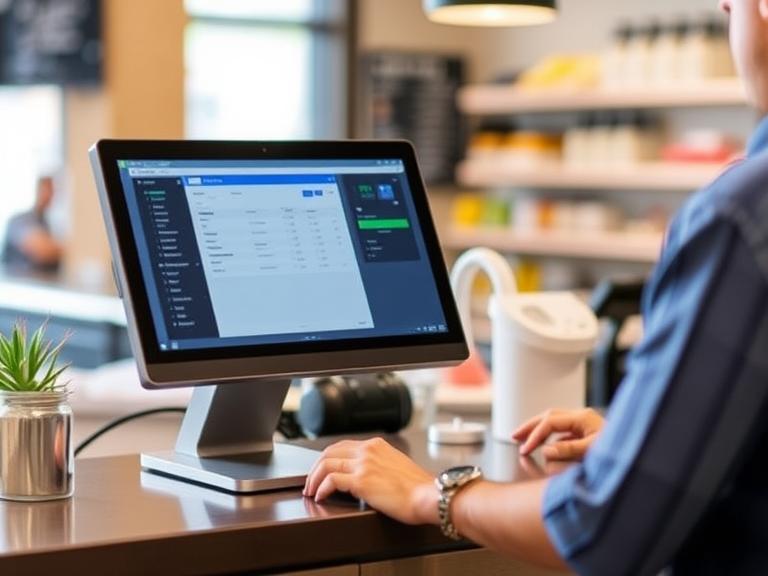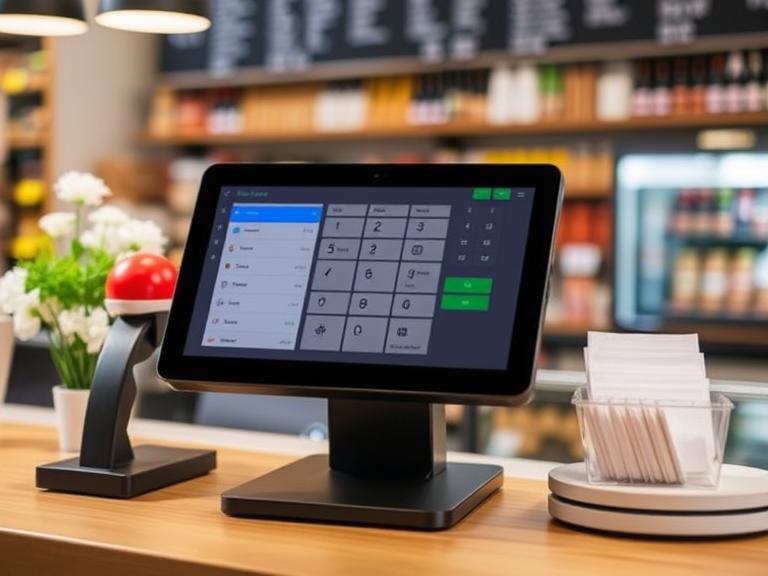
Imagine running a lemonade stand and knowing exactly which flavors sell best, when customers show up, and how much lemonade you have left. That’s what Point of Sale (POS) reports do for businesses, whether they’re small shops or big stores. These reports give you clear, easy-to-read information about your sales, inventory, customers, and even your workers. Using them wisely can help you make smarter choices that grow your business and keep customers happy. In this guide, we’ll break down what POS reports are, why they matter, and how you can use them to make your business better. Ready to learn? Let’s go!
What Are POS Reports?
POS reports are like a report card for your business. They come from your POS system, the tool you use to ring up sales, like a cash register or a tablet app. These reports collect all kinds of data: how much money you made, what items sold, how much stock you have, and even what your customers like to buy. Think of them as a snapshot of what’s happening in your store.
Here’s what you’ll usually find in POS reports:
- Sales Data: Shows how much you sold and when. Did you sell more on weekends or weekdays?
- Inventory Details: Tells you what’s in stock, what’s running low, and what’s not selling.
- Customer Info: Tracks who’s buying, what they buy, and how often they come back.
- Worker Performance: Shows which employees are selling the most or need more training.
These reports are like a treasure map. They point you to the best ways to run your business. Want to know what they can do for you? Keep reading!
Why POS Reports Matter for Your Business
Why should you care about POS reports? Because they help you make decisions that save money, make customers happier, and keep your business running smoothly. Let’s look at the big ways they help.
Boosting Your Profits
POS reports show you what’s selling and what’s not. If your strawberry lemonade is flying off the shelves but nobody’s buying the mint flavor, you can focus on making more of the popular one. This way, you make more money by selling what people want.
Keeping the Right Amount of Stock
Ever run out of something customers love? Or have too much of something nobody buys? POS reports tell you how much you have and how fast it’s selling. This helps you order just the right amount, so you don’t waste money on extra stock or lose sales because you ran out.
Making Customers Happy
Reports can show you what your customers love. If lots of people buy lemonade in the afternoon, you can offer a special deal then to bring in even more. Or, if someone buys the same thing every week, you can give them a discount to keep them coming back.
Helping Your Team Work Better
POS reports can show which workers sell the most or struggle with certain tasks. You can use this to train your team or schedule your best sellers during busy times. It’s like knowing who’s the fastest at making lemonade and putting them to work when the line’s long.
These benefits make POS reports a must-have tool. They’re not just numbers—they’re the key to running a smarter business.
Types of POS Reports to Know
Not all POS reports are the same. Each type gives you different information to help your business. Here are the main ones to focus on.
Sales Reports
These tell you how much money you’re making. They show:
- Total sales for a day, week, or month.
- Which products are your top sellers?
- When your busiest times are (like Friday night or Monday morning).
For example, if your sales report shows you make the most money on Saturday afternoons, you can plan to have extra staff ready then.
Inventory Reports
These track what’s in your store. They show:
- How much stock do you have left?
- Which items are selling fast or sitting on shelves?
- When you need to reorder products.
If your inventory report says you’re almost out of lemons, you can order more before you run out and lose sales.
Customer Reports
These focus on your buyers. They tell you:
- Who your regular customers are.
- What they buy most often.
- If they’re part of a loyalty program.
If a customer always buys large lemonades, you can offer them a deal on a new flavor to try something new.
Employee Reports
These show how your team is doing. They track:
- Who’s selling the most?
- Which workers need help with certain tasks?
- How sales change depending on who’s working.
If one worker sells twice as much as others, you can ask them to share their tips with the team.
Each report gives you a piece of the puzzle. Together, they help you see the whole picture of your business.
How to Use POS Reports the Right Way
Having POS reports is great, but you need to know how to use them. Here’s a simple plan to turn numbers into action.
Know What You Want to Fix or Improve
Start by deciding what you want to work on. Do you want to sell more? Cut costs? Keep customers coming back? For example, if you want to sell more lemonade, look at your sales reports to see which flavors are popular.
Use Pictures to Understand the Data
Numbers can be hard to read. Many POS systems turn data into graphs or charts, which are easier to understand. A graph showing sales spiking on weekends is clearer than a list of numbers. If your system doesn’t do this, you can use tools like Excel to make your own charts.
Look for Patterns
Check your reports for trends. Are sales higher in the summer? Do certain products sell better together? For example, if customers buy lemonade and cookies together, you can put them side by side to sell even more.
Compare Over Time
Look at old reports to see how things have changed. Did sales go up after you started a new promotion? Are you selling more now than last year? Comparing helps you see if your decisions are working.
By following these steps, you turn raw data into ideas that make your business better.
Real Ways to Use POS Reports
Now that you know how to read reports, let’s talk about what you can do with them. Here are some practical ideas.
Set Better Prices
Sales reports can show what customers are willing to pay. If your large lemonade sells out fast at $5 but nobody buys the small one at $3, you might try raising the small one’s price or offering a deal on it. You can also check what competitors charge to stay competitive.
Plan Smarter Marketing
Customer reports show who’s buying and what they like. If your reports show lots of kids buy your lemonade, you can create a fun ad for families or offer a kid-sized cup. Or, send a coupon to customers who haven’t come back in a while.
Keep the Right Stock
Inventory reports help you predict what you’ll need. If your reports show you sell 100 lemons a week in summer but only 50 in winter, you can order fewer in colder months. This saves money and keeps your stock fresh.
Schedule Your Team Wisely
Employee reports show when your store is busiest and who’s best at selling. If Friday evenings are crazy, make sure your top workers are there. If someone’s struggling, give them extra training to help them improve.
These ideas show how POS reports can guide your everyday choices, from pricing to planning.
Tips for Getting the Most Out of POS Reports
Want to make POS reports even more useful? Try these tips.
Connect Your Tools
Your POS system isn’t the only tool you use. Link it to other software, like your accounting app or customer tracking system. This way, all your data works together. For example, connecting your POS to QuickBooks can help you track profits and expenses in one place.
Get Reports Automatically
Many modern POS systems, like those on tablets or computers, can send you reports daily or weekly. This saves time and keeps you updated without digging through menus. Set up automatic reports to stay on top of things.
Teach Your Team
Your workers need to understand the reports, too. Show them how to read basic sales or inventory data. If they know what’s selling, they can suggest popular items to customers. A quick training session can make a big difference.
Check Reports Regularly
Don’t let reports pile up. Look at them weekly or monthly to spot problems or opportunities. For example, checking inventory reports every week can help you avoid running out of popular items.
These habits make POS reports a powerful tool for your business.
Mistakes to Watch Out For
Even with great reports, it’s easy to make mistakes. Here’s what to avoid.
Bad Data Means Bad Decisions
If your workers enter wrong information, like scanning the wrong item, your reports won’t be accurate. Double-check that everyone knows how to use the POS system correctly.
Missing Small Details
Sometimes, small patterns matter. If your reports show a slight uptick in sales every Tuesday, it might mean a local event brings in customers. Don’t ignore these clues—they could lead to big wins.
Not Using the Information
Collecting reports is pointless if you don’t act on them. If your inventory report shows a product isn’t selling, stop ordering it. If a worker is struggling, help them get better. Always take action based on what you learn.
Avoiding these mistakes keeps your reports useful and your business strong.
Tools to Help with POS Reports
The right tools make POS reports easier to use. Here are some options.
Popular POS Systems
- Square: Great for small businesses, with simple reports and low costs.
- Shopify POS: Perfect for online and in-store sales, with strong inventory tracking.
- Clover: Offers detailed reports and works for restaurants and retail.
Each system has built-in reports, so pick one that fits your business size and needs.
Extra Analytics Tools
Some businesses need more than what their POS offers. Tools like QuickBooks can combine sales and expense data for a bigger picture. Or, try apps like Vend or Lightspeed for advanced reporting.
Custom Options
Big businesses might need special reports. If you run a chain of stores, you can hire a developer to create custom reports that combine data from all locations.
No matter your budget, there’s a tool to help you get the most from your POS data.
Wrapping It Up
POS reports are like a guidebook for your business. They show you what’s working, what’s not, and how to make things better. By checking sales, inventory, customer, and employee reports, you can set smarter prices, plan better marketing, keep the right stock, and schedule your team wisely. The key is to use these reports regularly, avoid common mistakes, and pick tools that make the data easy to understand.
Ready to make your business smarter? Start using your POS reports today! Check your system, set up automatic reports, and take one small action based on what you learn. Whether it’s ordering less of a slow-selling item or offering a new deal, every step counts.
FAQs
What are the most important POS reports for small businesses?
Sales and inventory reports are key. They show what’s selling and what you need to stock, helping you save money and meet customer demand.
How often should I review POS reports?
Check them weekly for quick updates and monthly for bigger trends. This keeps you on top of changes without feeling overwhelmed.
Can POS reports help keep customers coming back?
Yes! Customer reports show who buys what and when. Use this to offer deals or loyalty rewards that make customers feel special.
What’s the difference between POS reports and business intelligence?
POS reports focus on sales, stock, and customers from your POS system. Business intelligence combines data from many sources, like marketing or expenses, for a bigger picture.